Explore Beadora visually
Start with the collage. Open the details.
Eight themed collections make the Gallery easy to scan. Current Style Grid views show more of the newest catalog at once, while 48 complete iPhone and iPad screens keep the app context clear.
Each collage now mixes current Style artwork with real app screens. Tap a theme or open a Grid at full size.
Choose a direction
Eight collections, one visual index.
The collages give you the overall feel first. Each card jumps directly to six complete screenshots, with both phone and tablet views where they add useful context.
From the current Gallery catalog
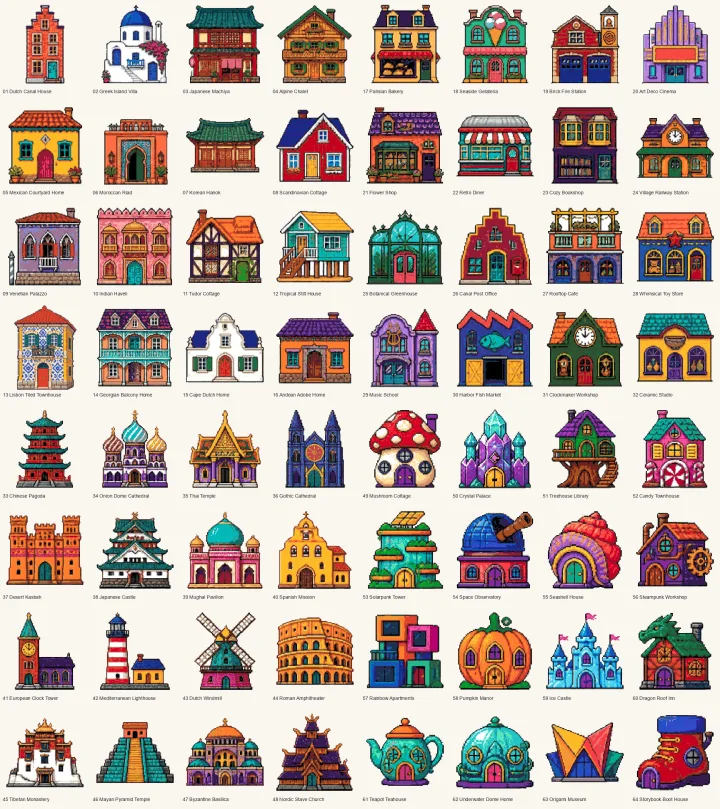
See the whole Style, not just one screen.
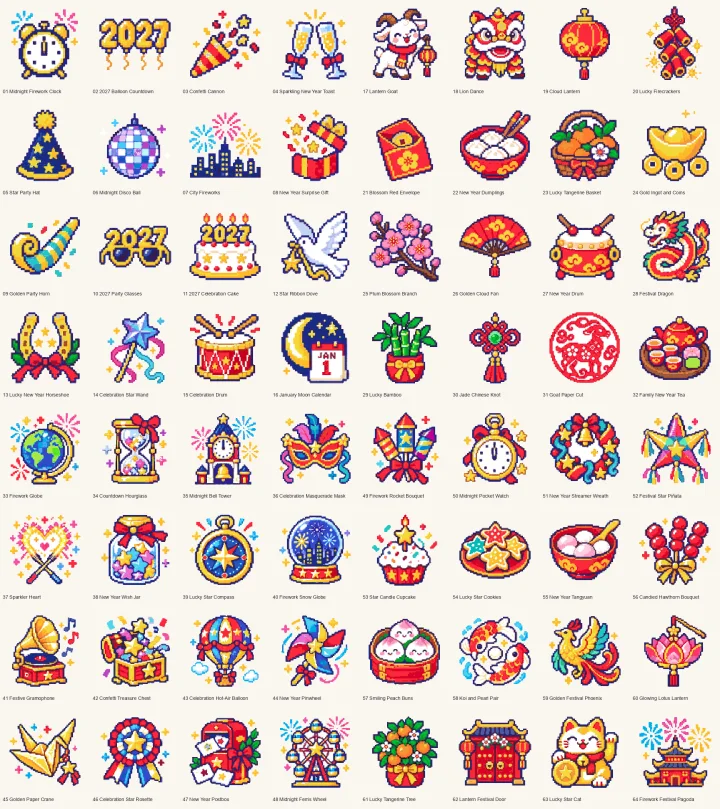
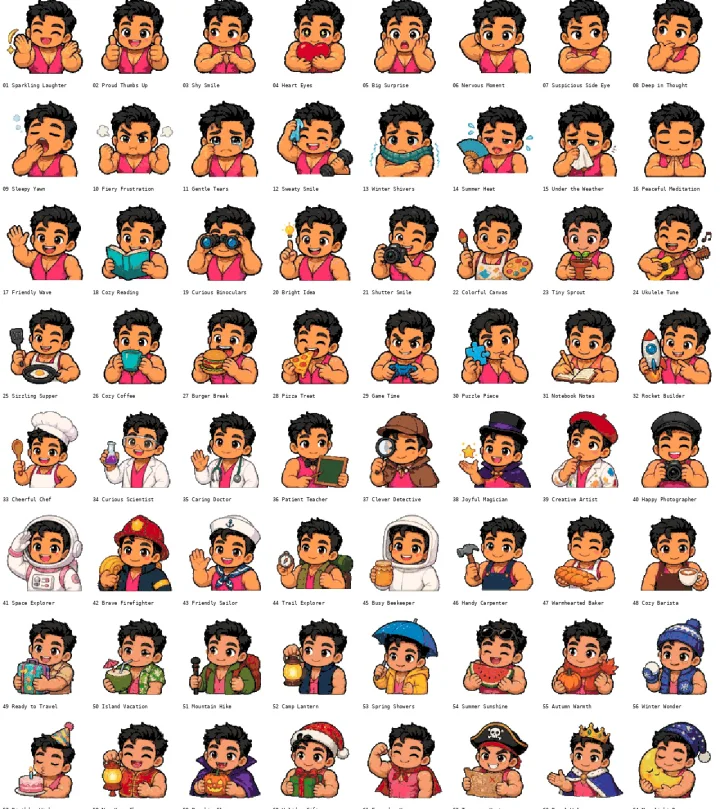
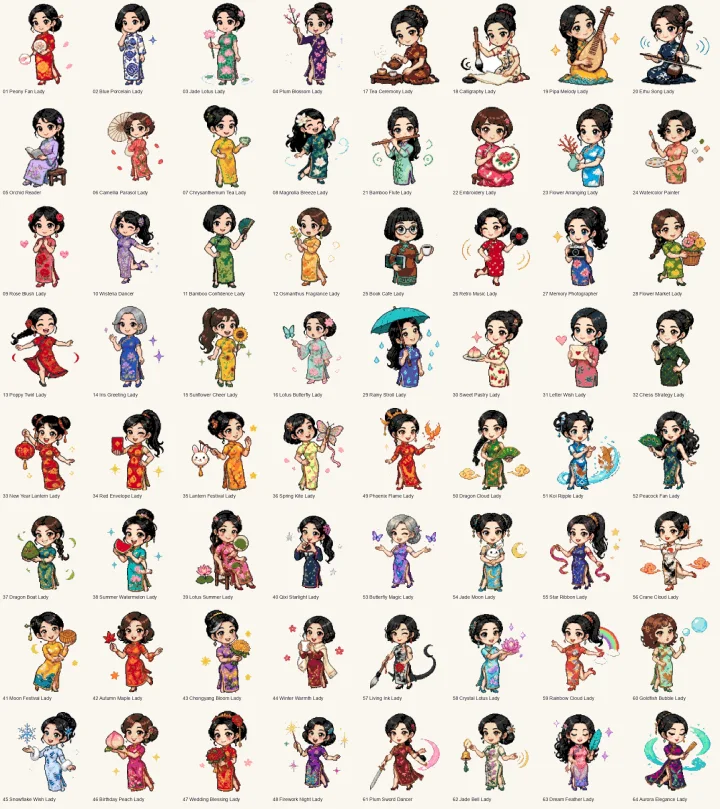
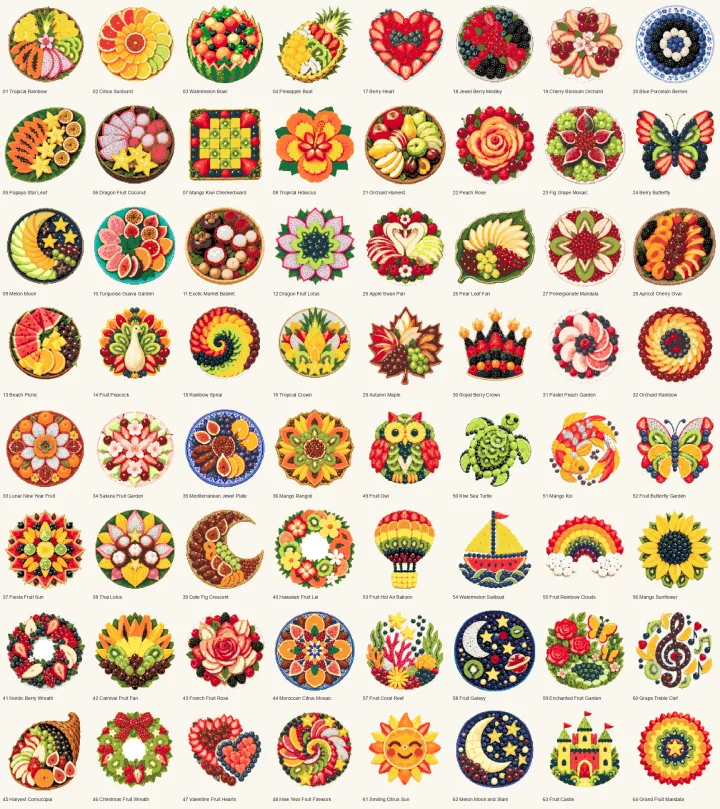
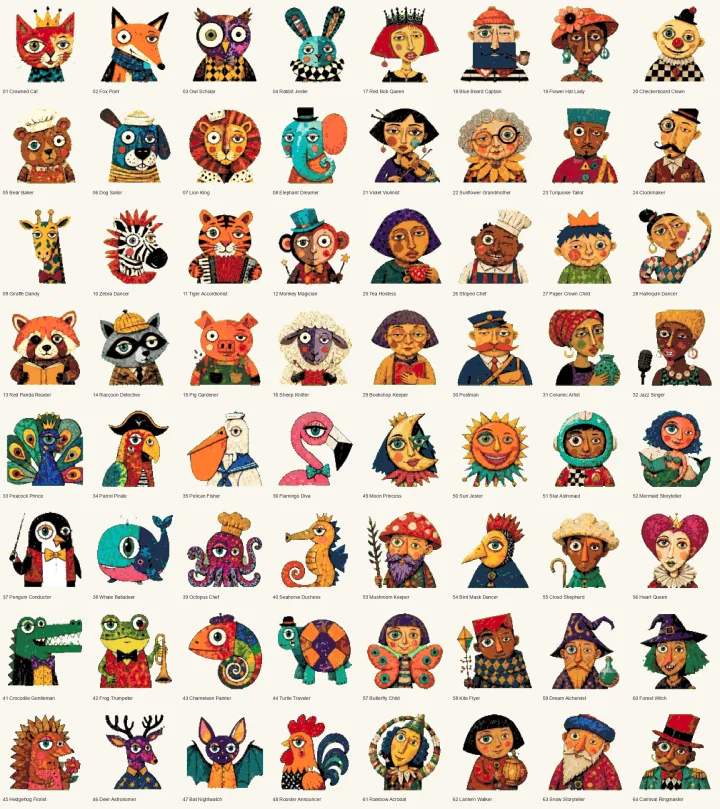
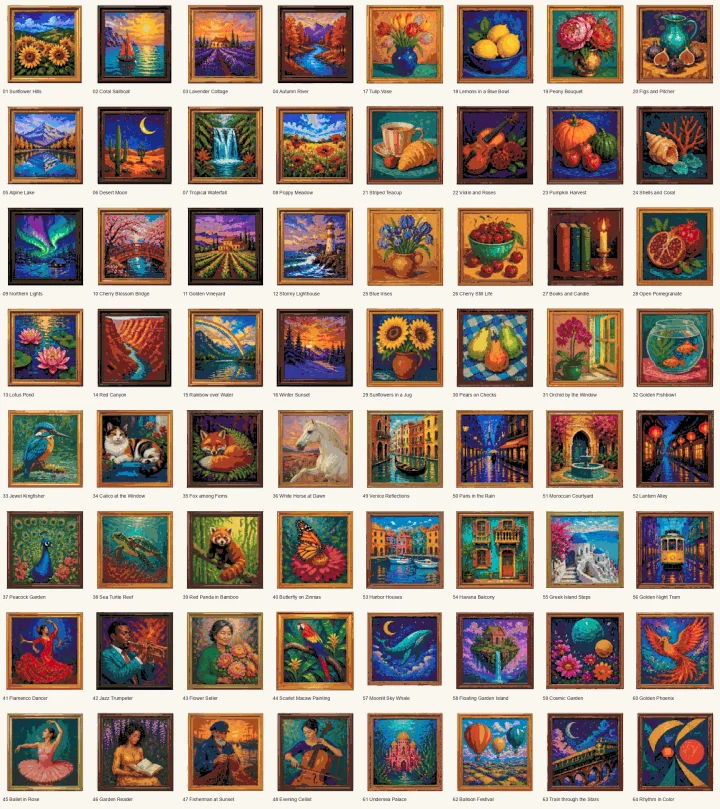
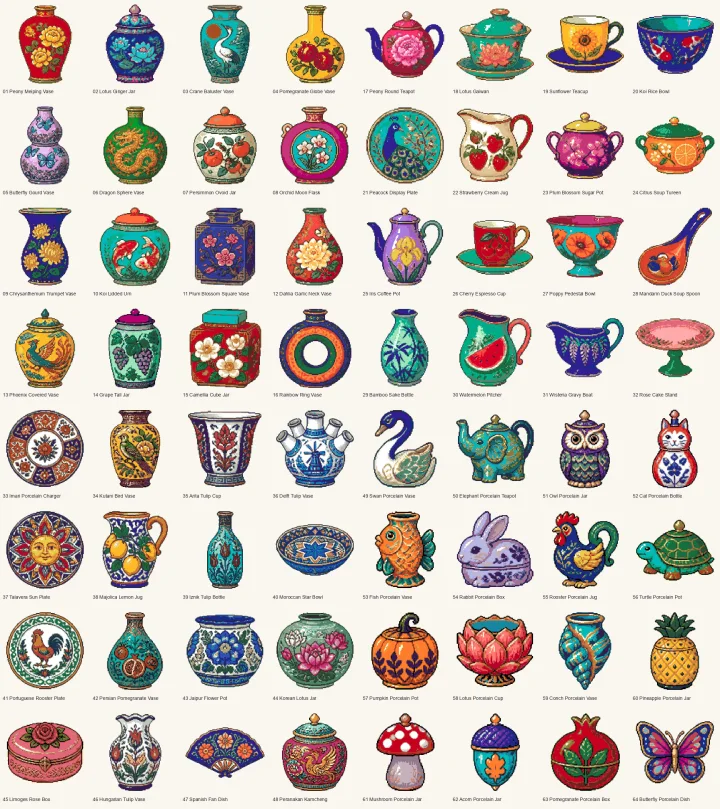
These Grid views come from recently added Beadora styles. Each image presents dozens of related patterns together, so the range, color language, and character of the collection are immediately clear.
 Open Grid
 Open Grid
 Open Grid
 Open Grid
 Open Grid
 Open Grid
 Open Grid
 Open Grid
Want to see how these collections appear inside the app?
Continue to 48 app screenshotsCollection 01
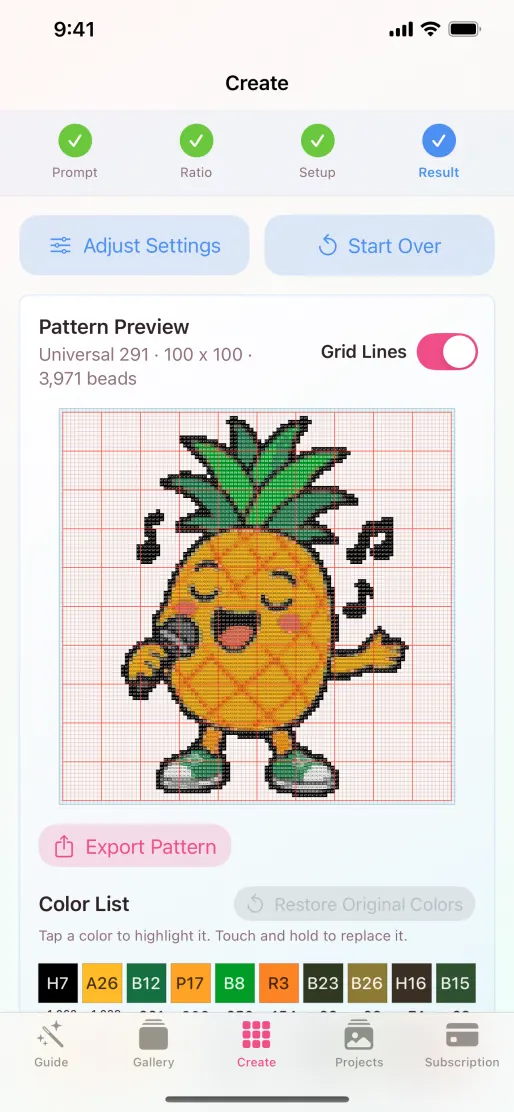
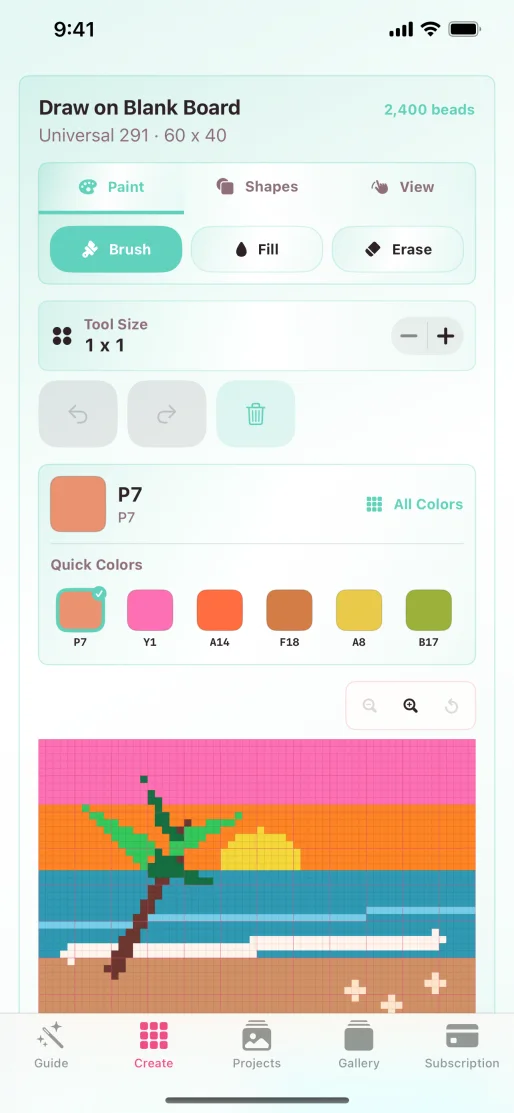
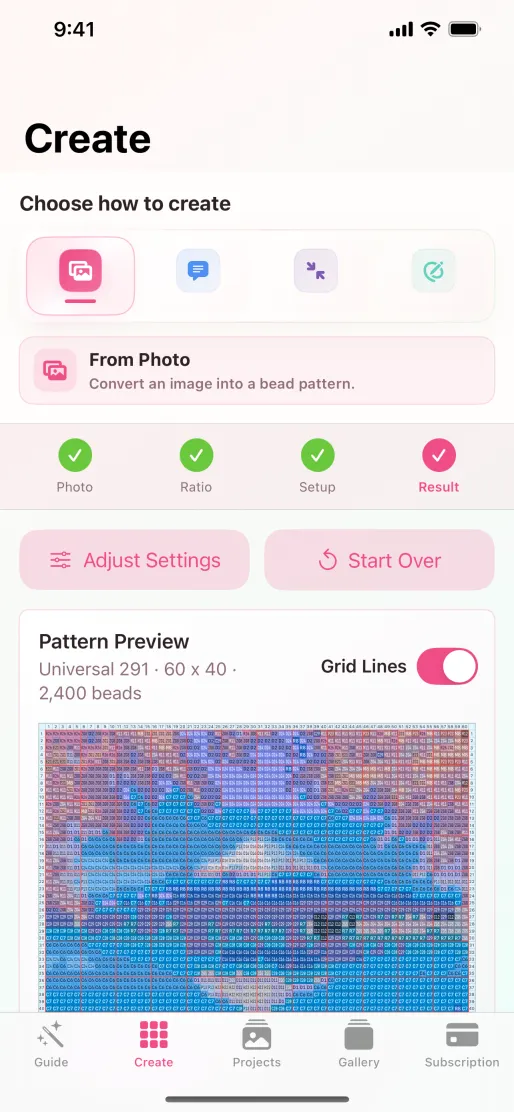
Create & Customize
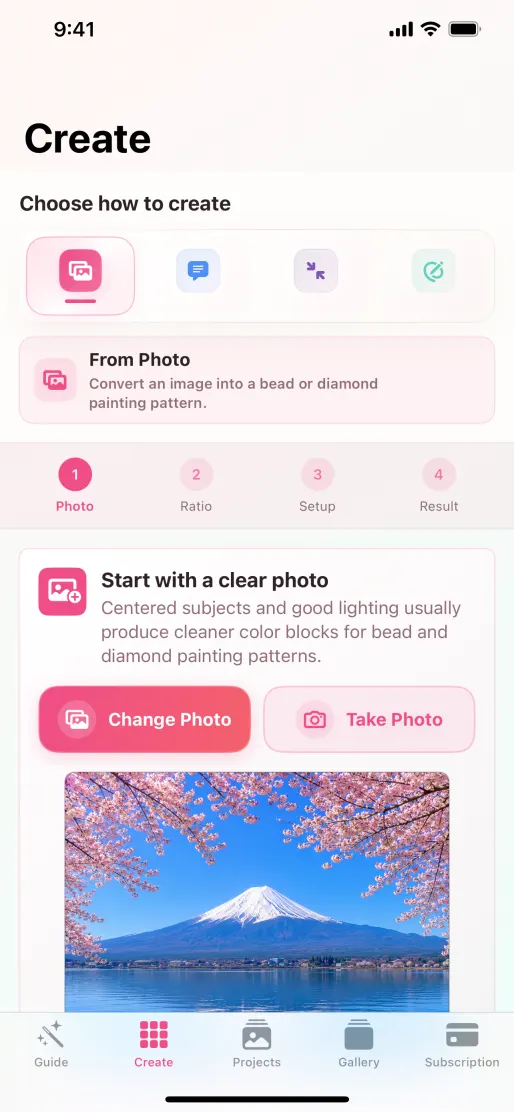
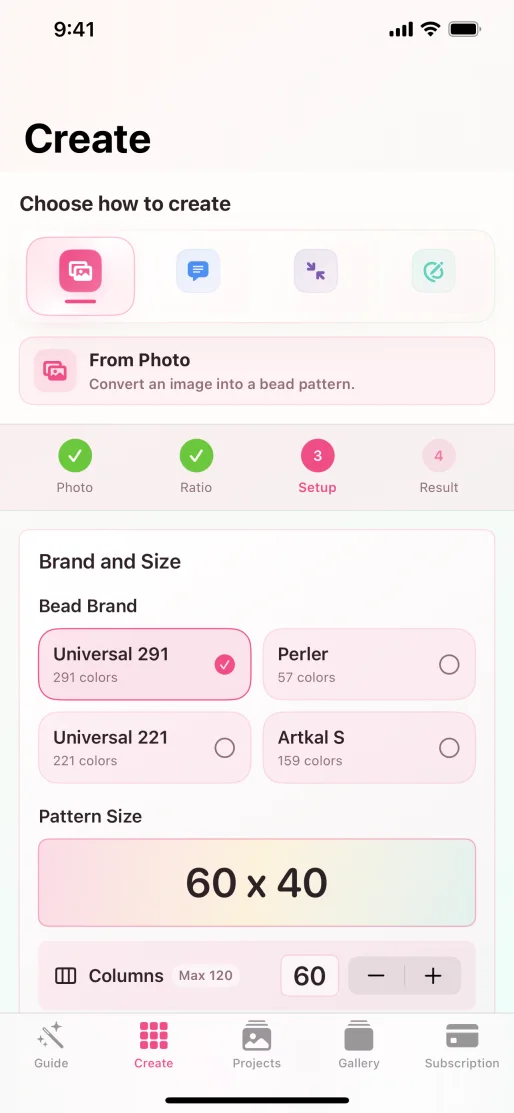
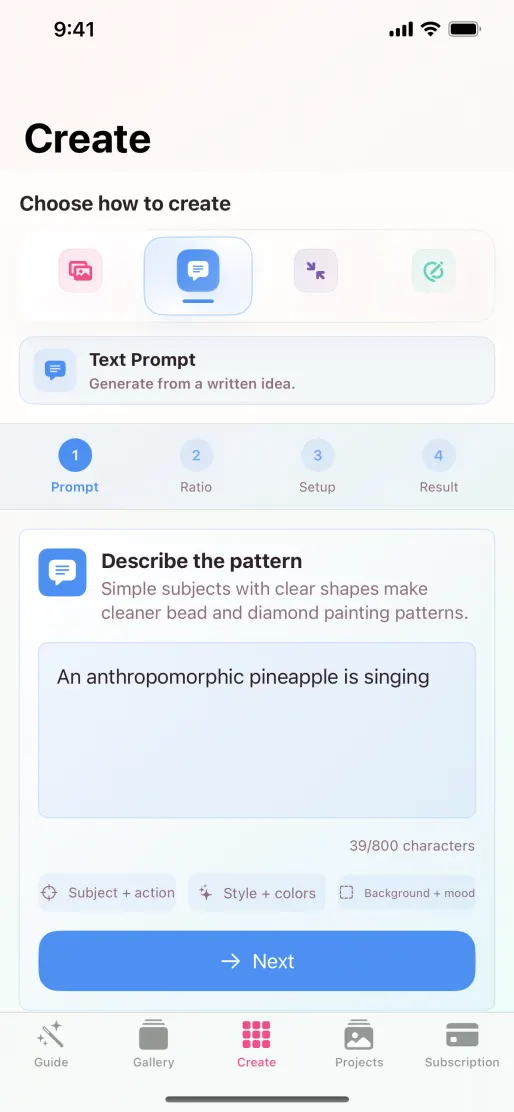
See the actual path from choosing a creation mode to reviewing and exporting a pattern.
 Open full size
 Open full size
 Open full size
 Open full size
 Open full size
 Open full size
Collection 02
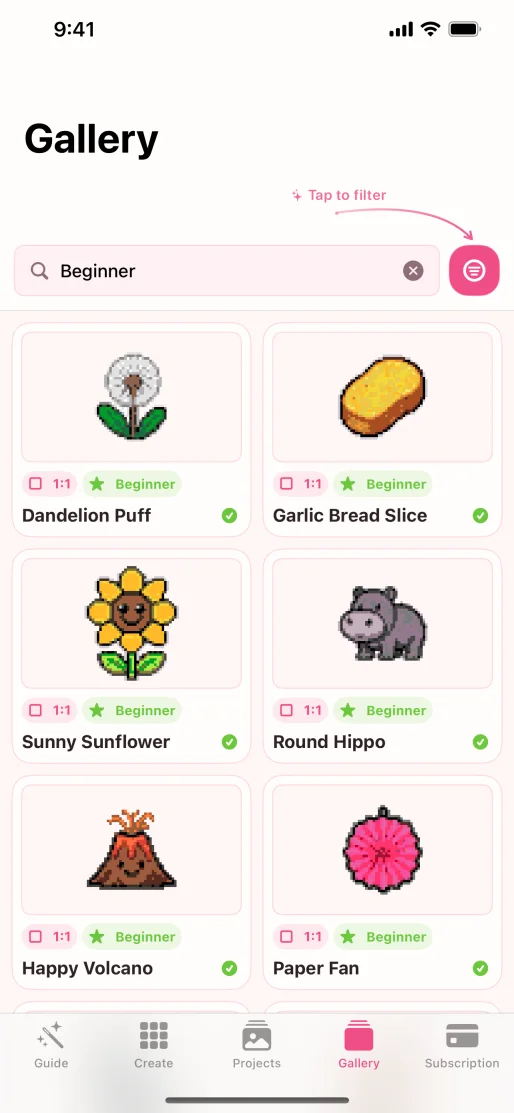
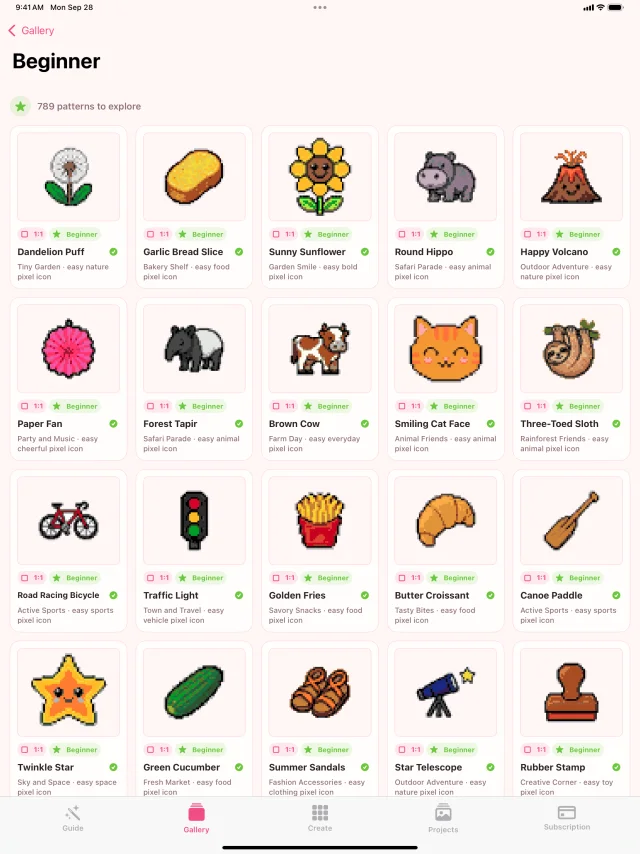
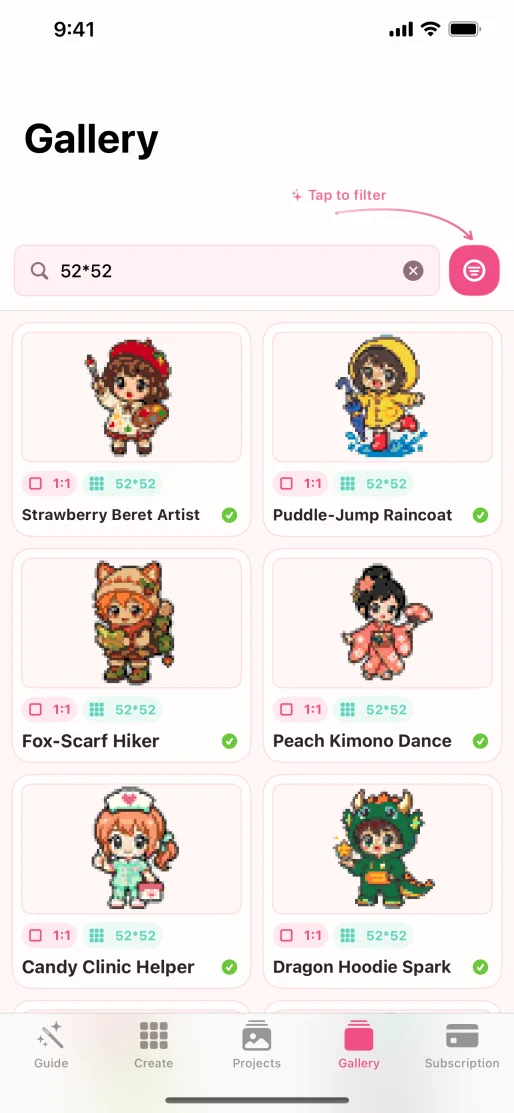
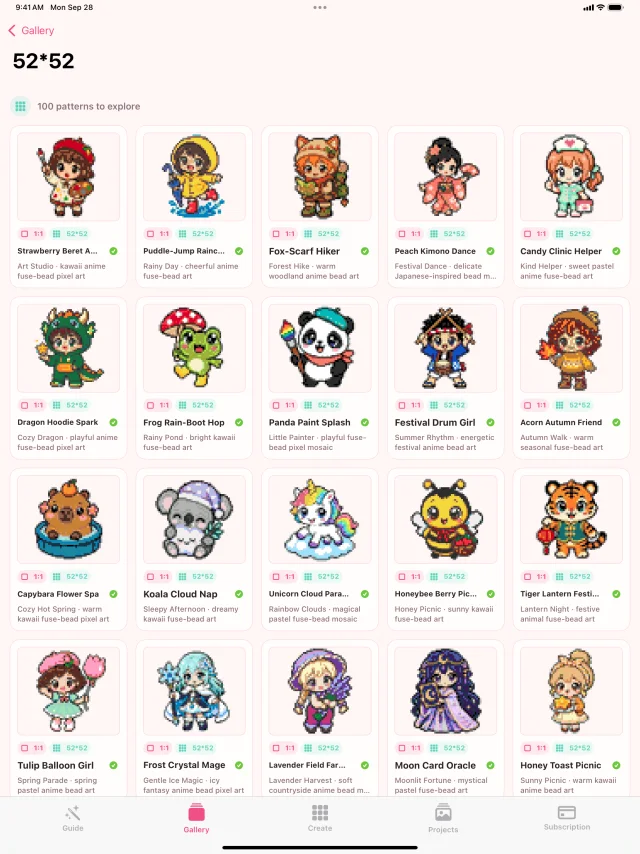
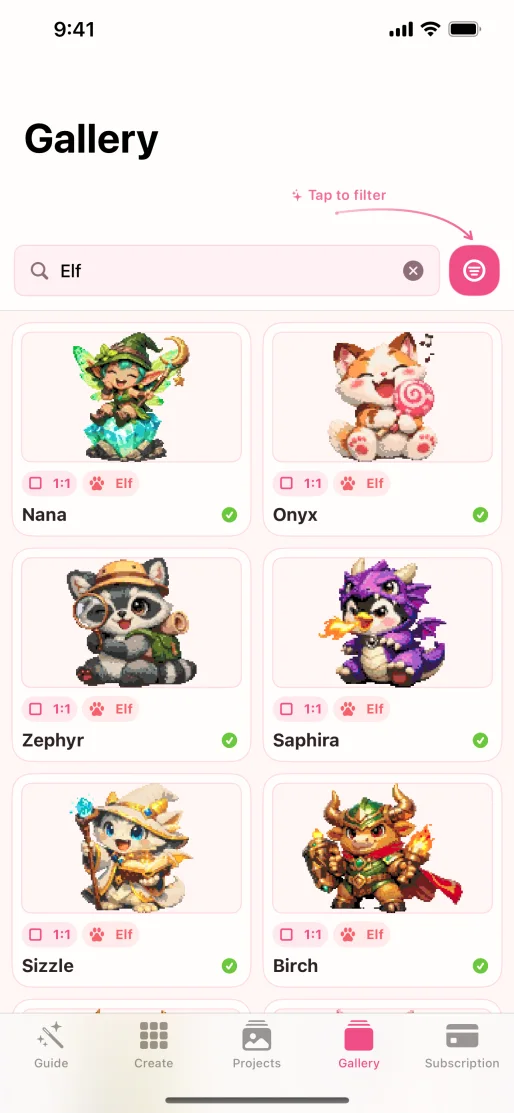
Easy Starts
Beginner-friendly themes and compact grids shown on both iPhone and iPad.
 Open full size
 Open full size
 Open full size
 Open full size
 Open full size
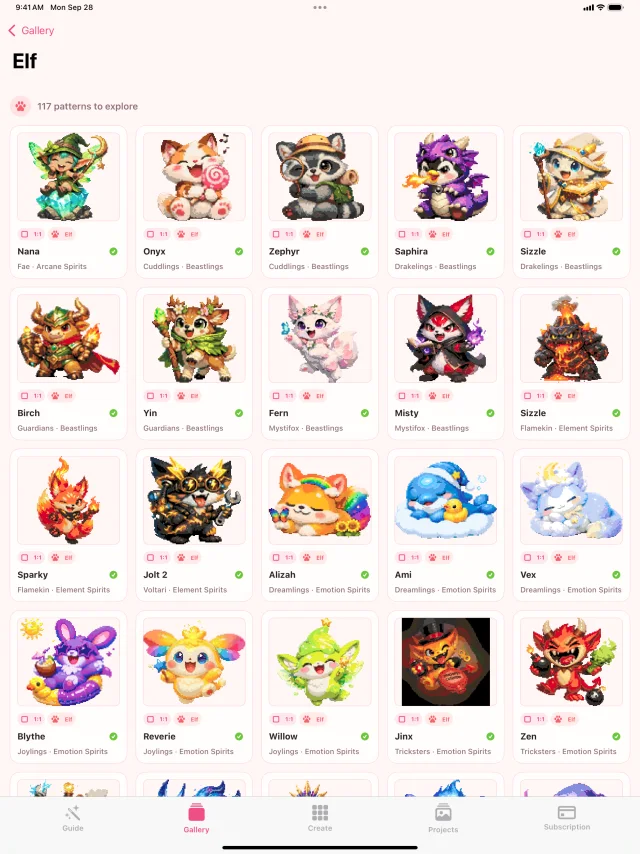 Open full size
Collection 03
Nature & Color
Organic shapes, leafy palettes, and bright illustrated portraits.
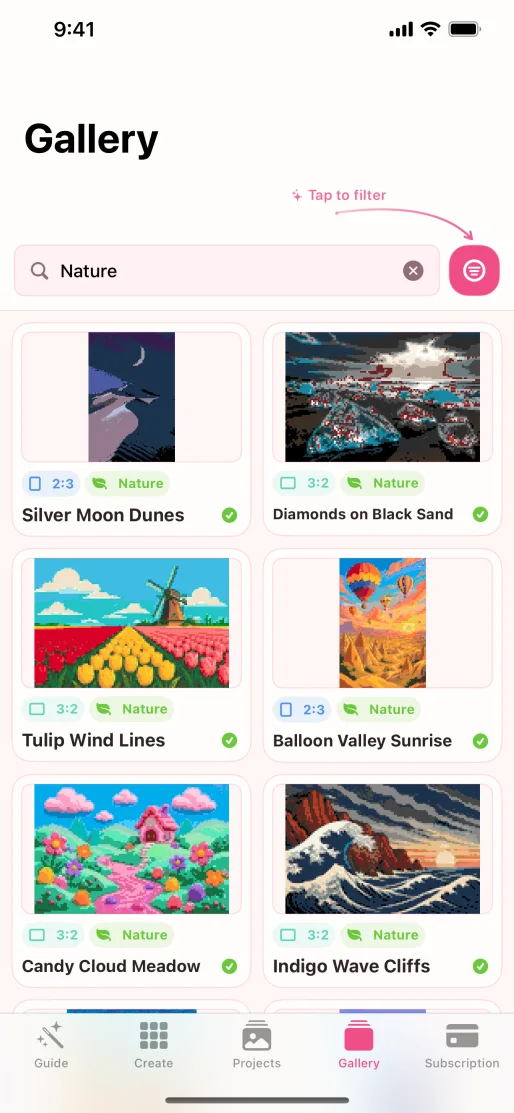 Open full size
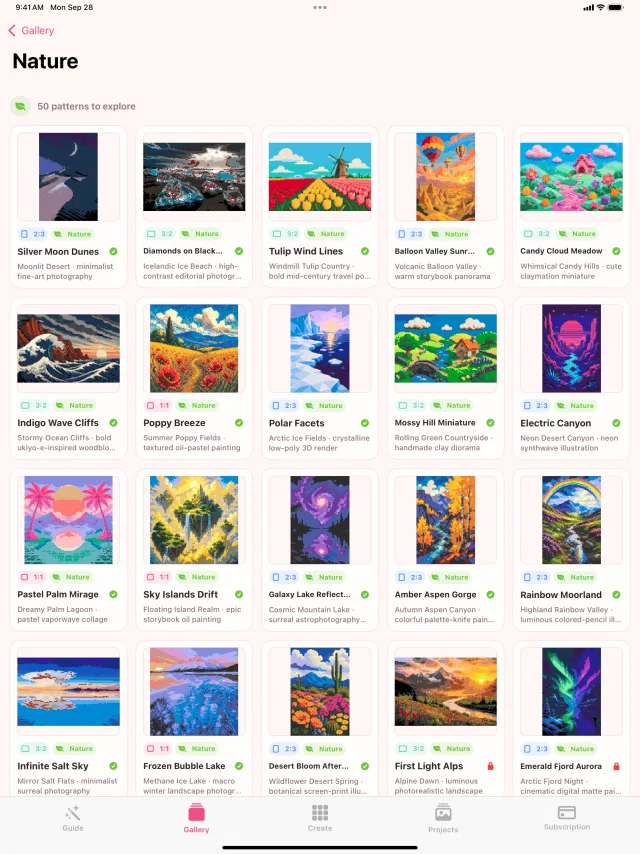 Open full size
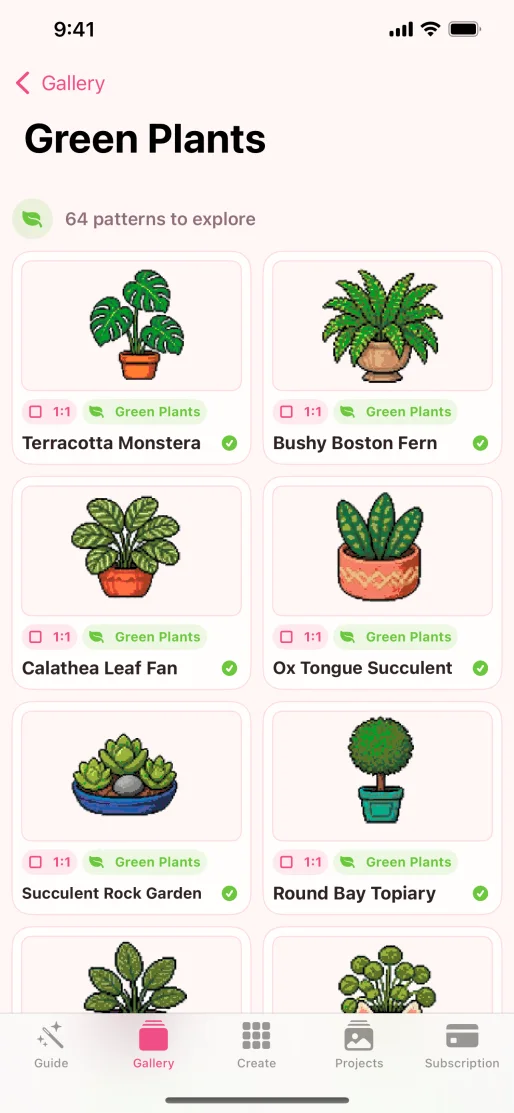 Open full size
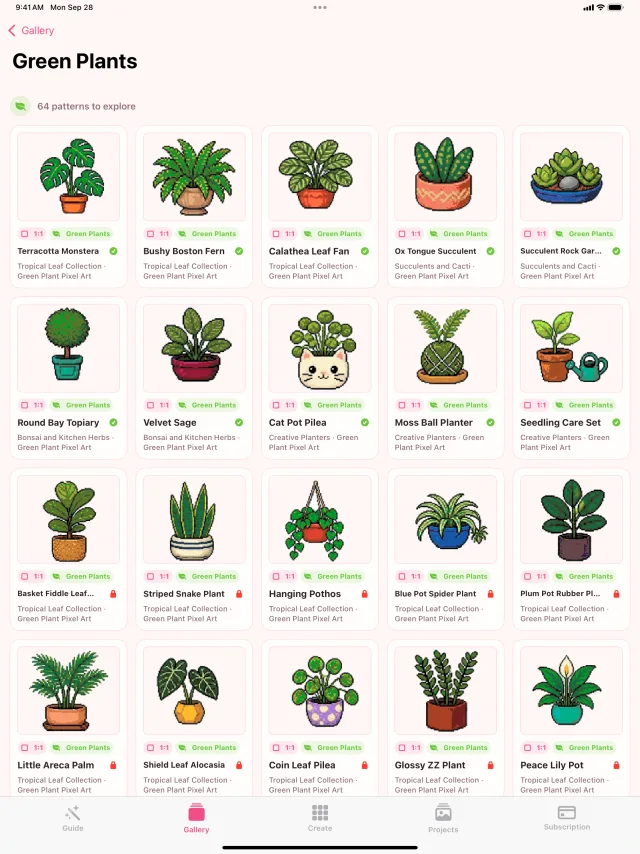 Open full size
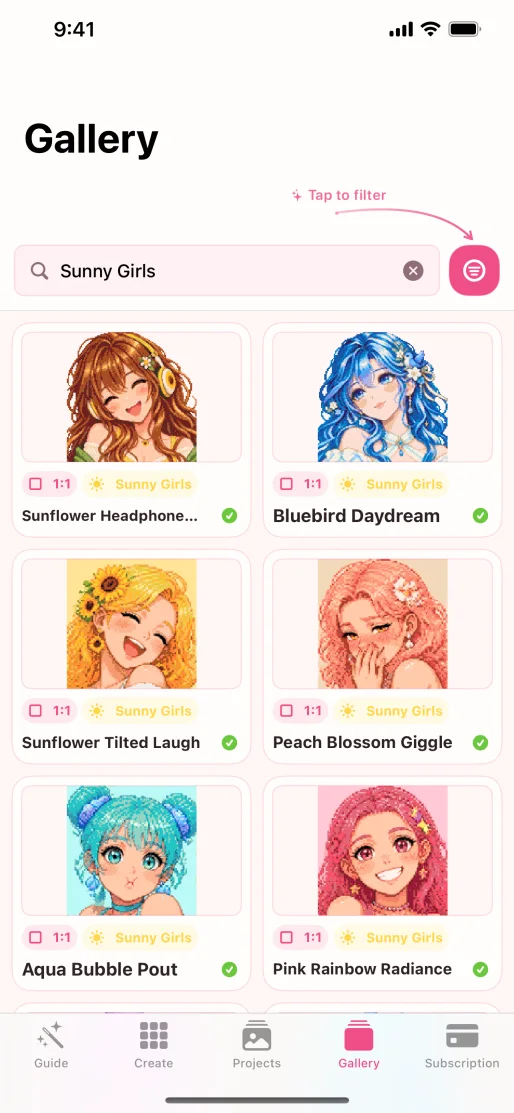 Open full size
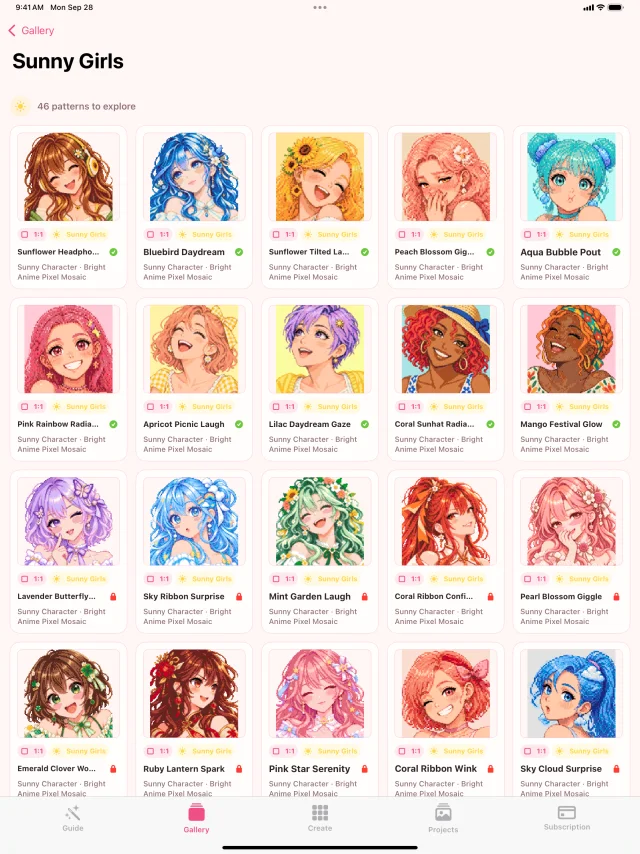 Open full size
Collection 04
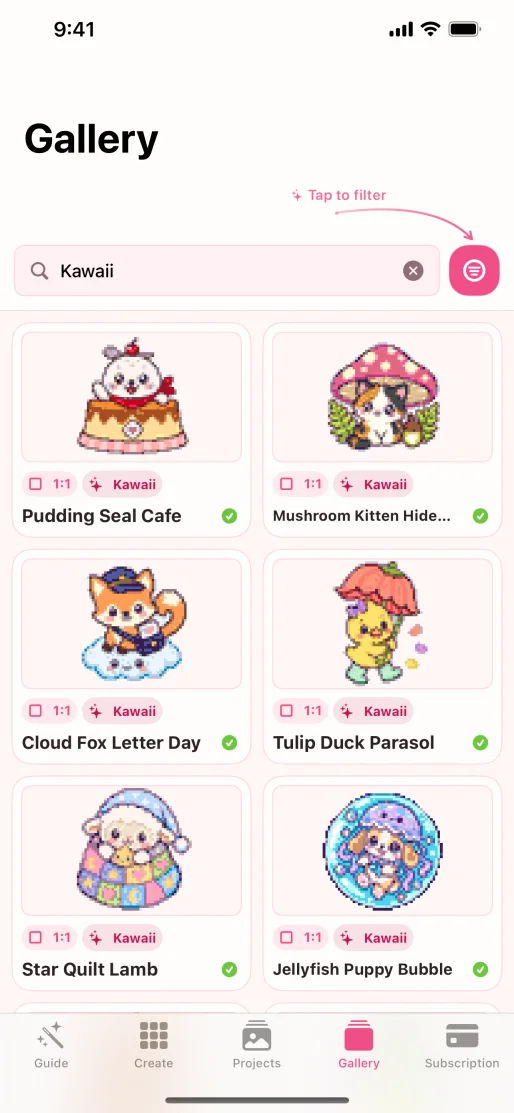
Cute Companions
Pet portraits, playful characters, cats, and soft kawaii styling.
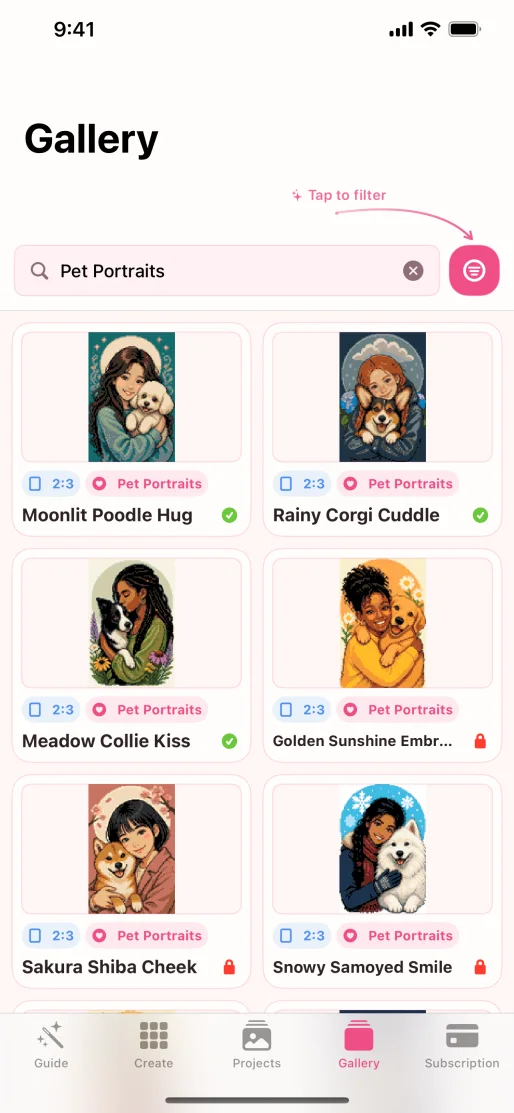 Open full size
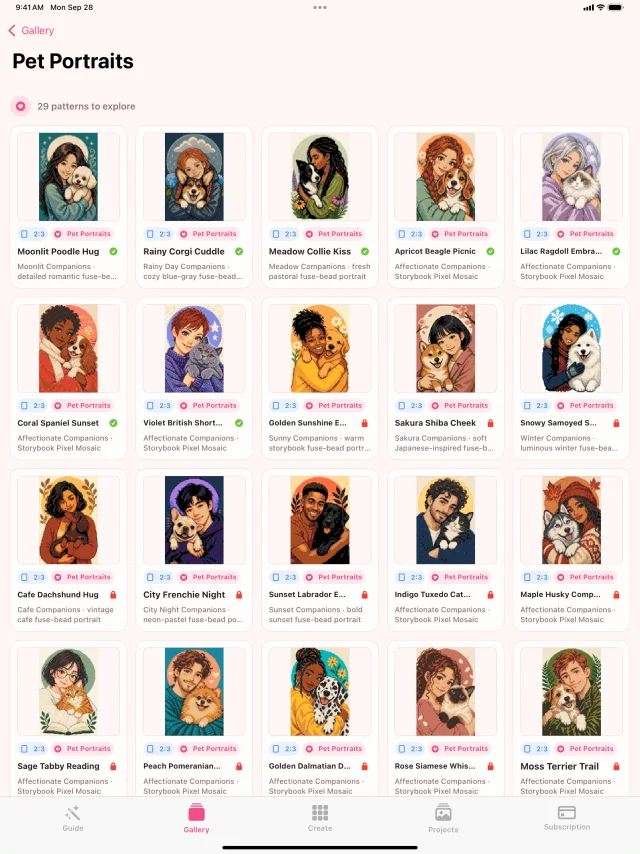 Open full size
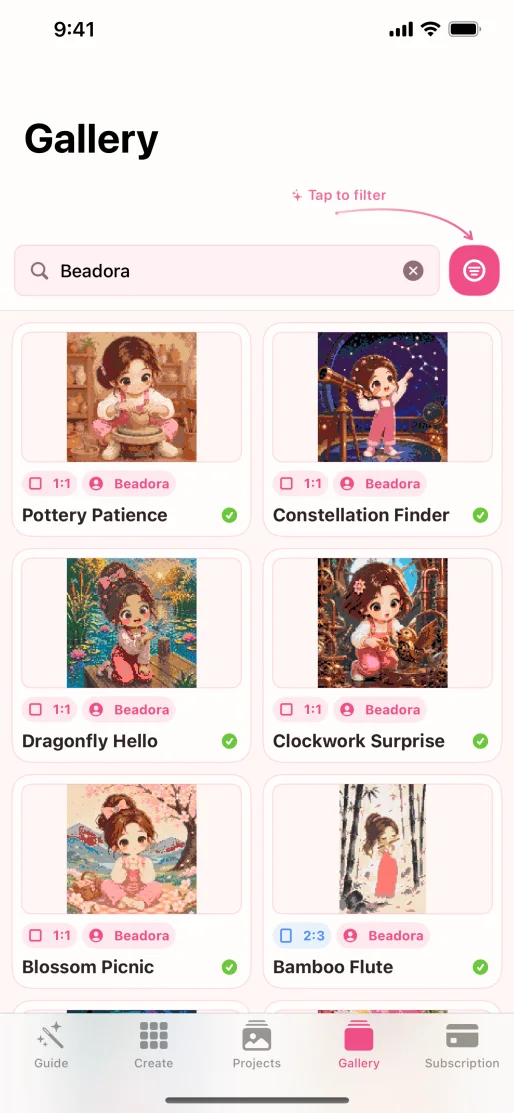 Open full size
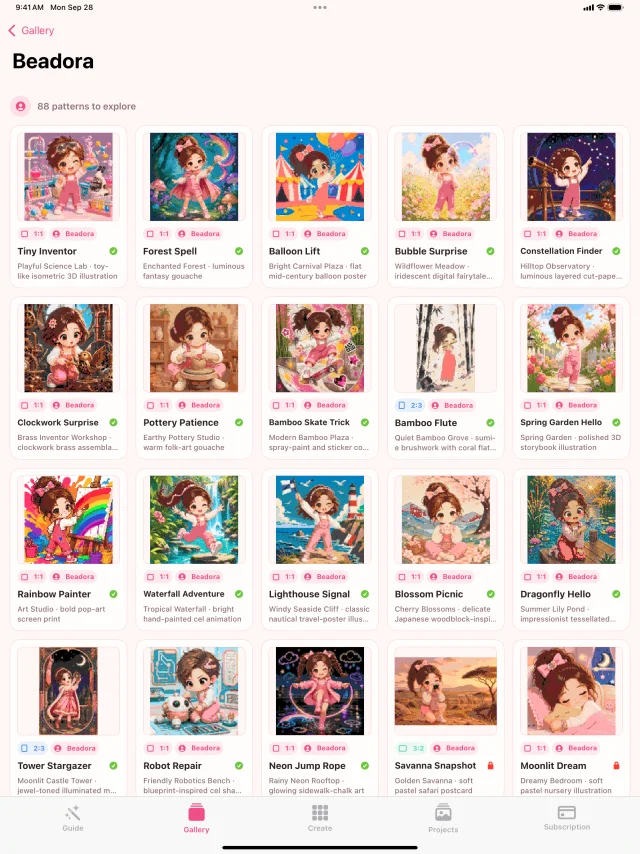 Open full size
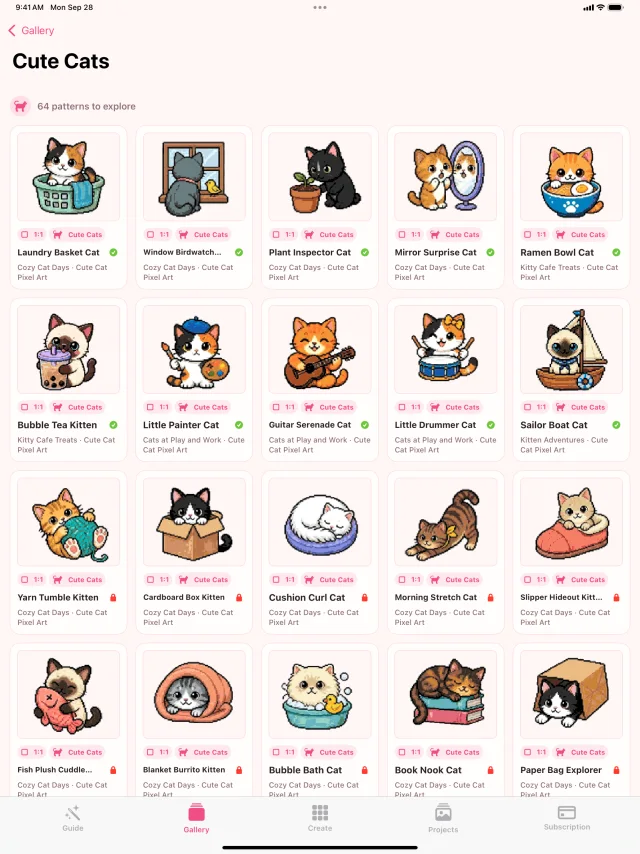 Open full size
 Open full size
Collection 05
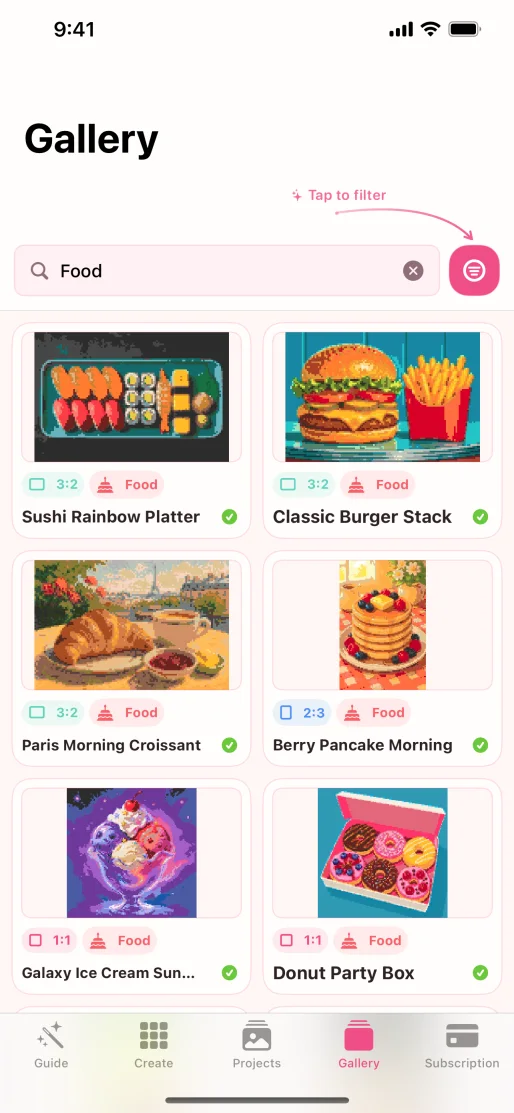
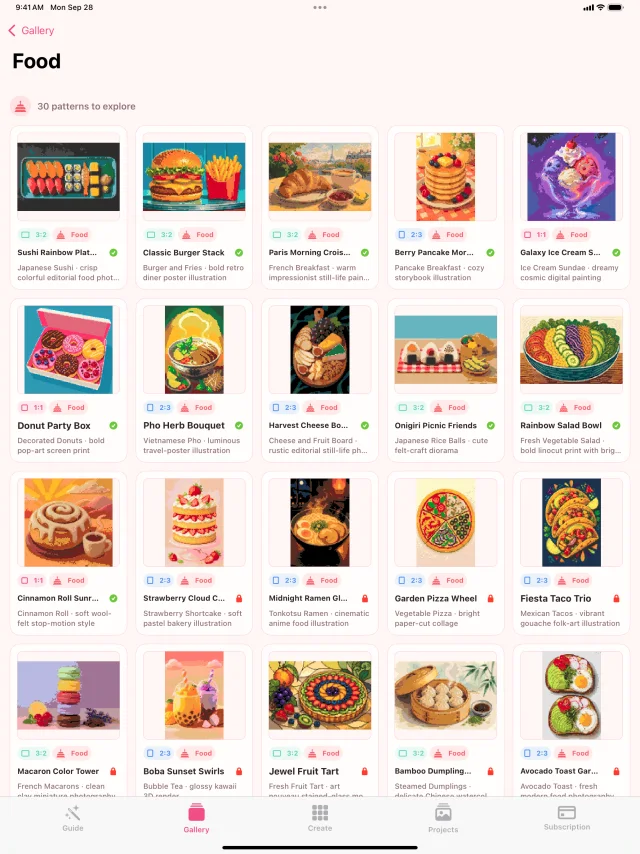
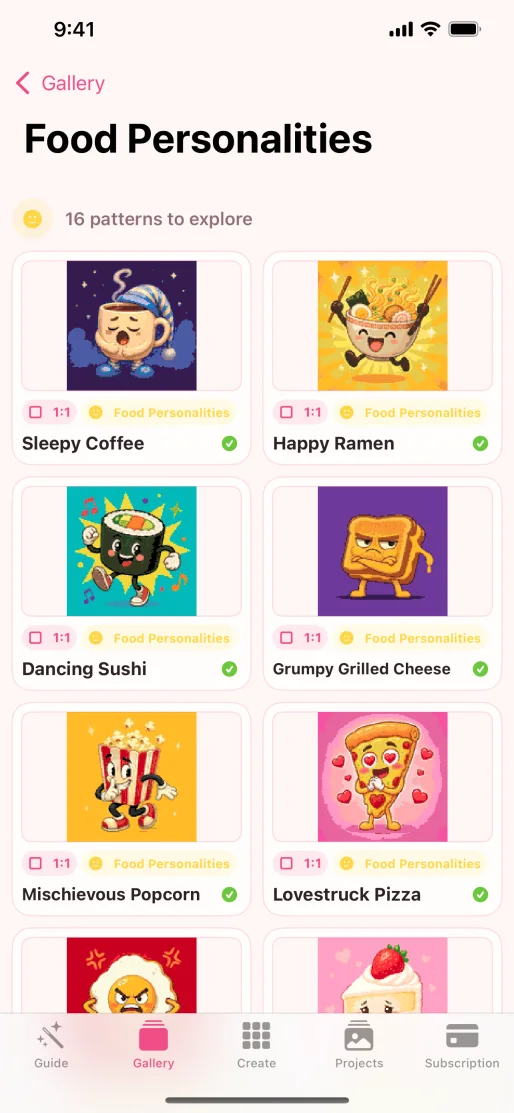
Food & Feelings
Everyday subjects become colorful, expressive pattern characters.
 Open full size
 Open full size
 Open full size
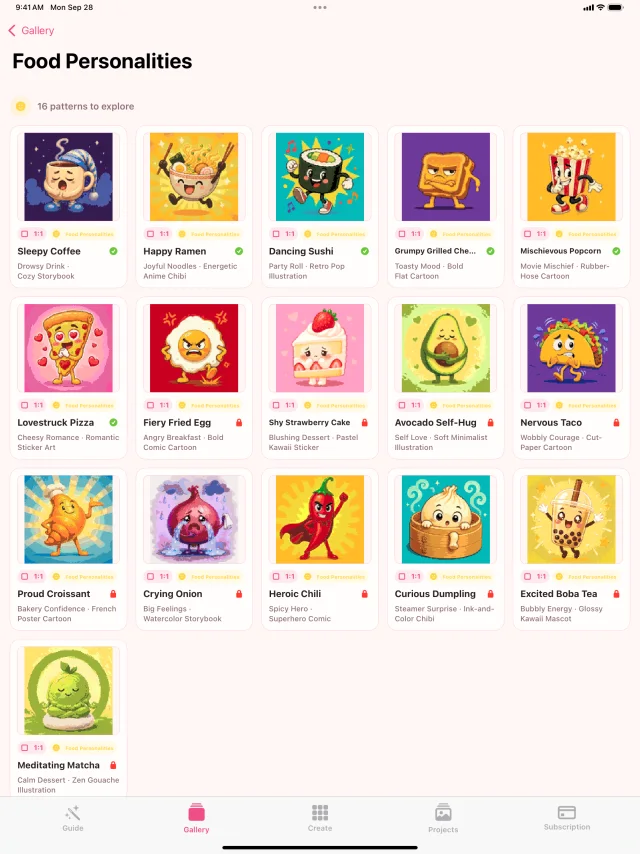 Open full size
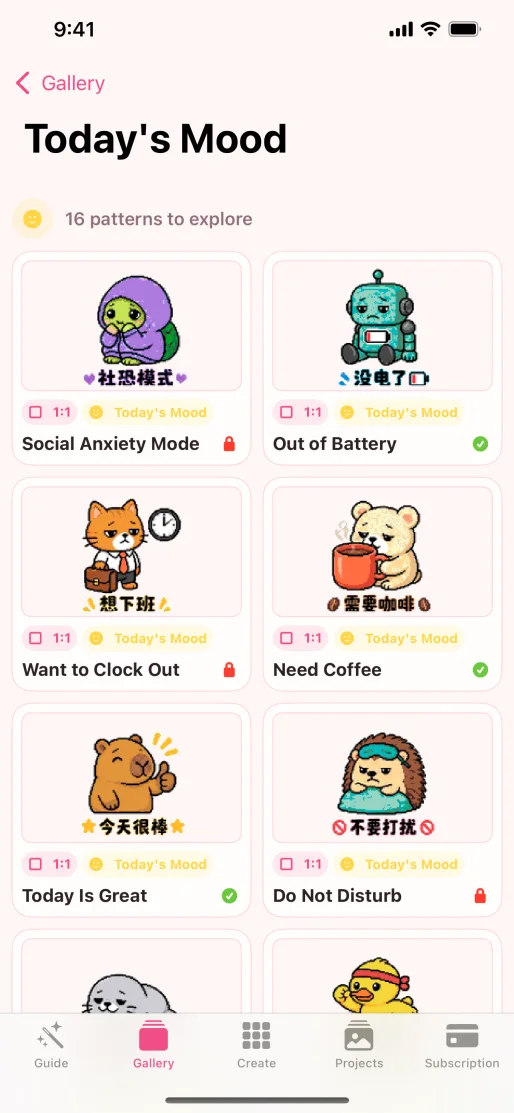 Open full size
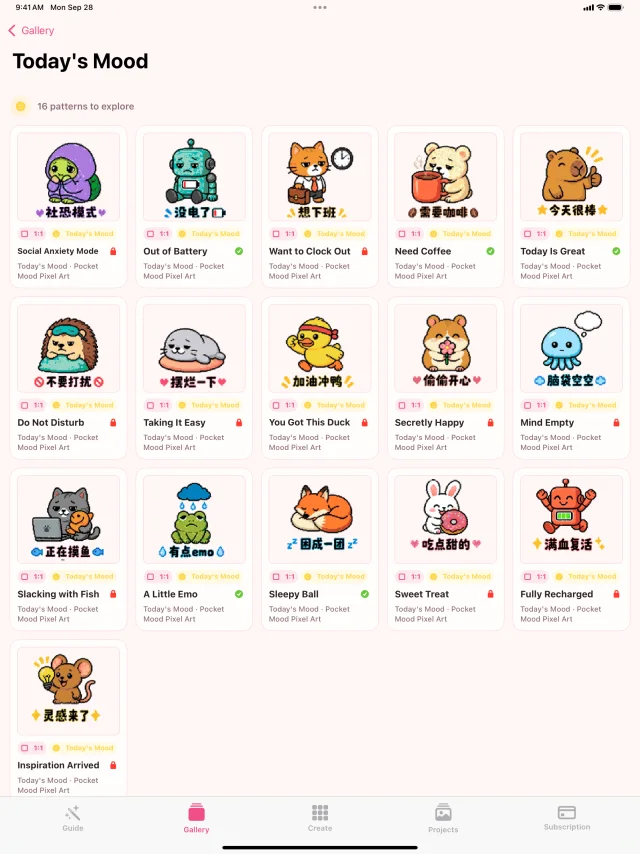 Open full size
Collection 06
Characters & Style
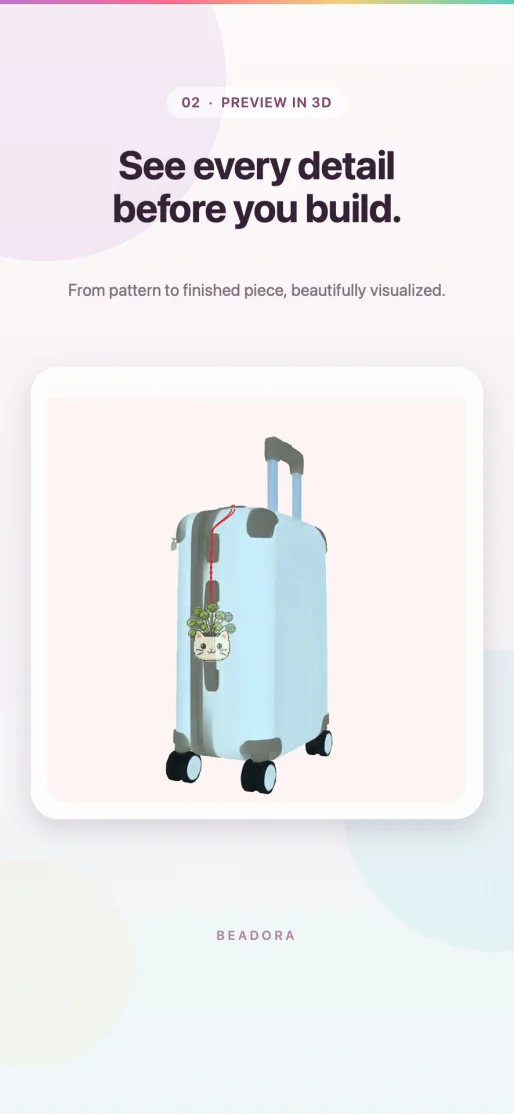
Stylized portraits, anime-inspired art, kawaii details, and a finished 3D preview.
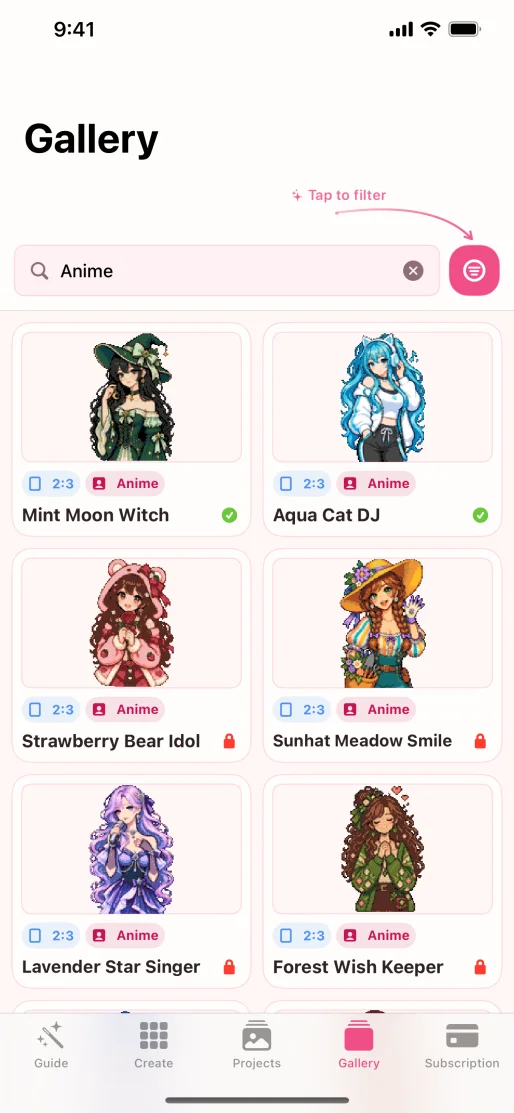 Open full size
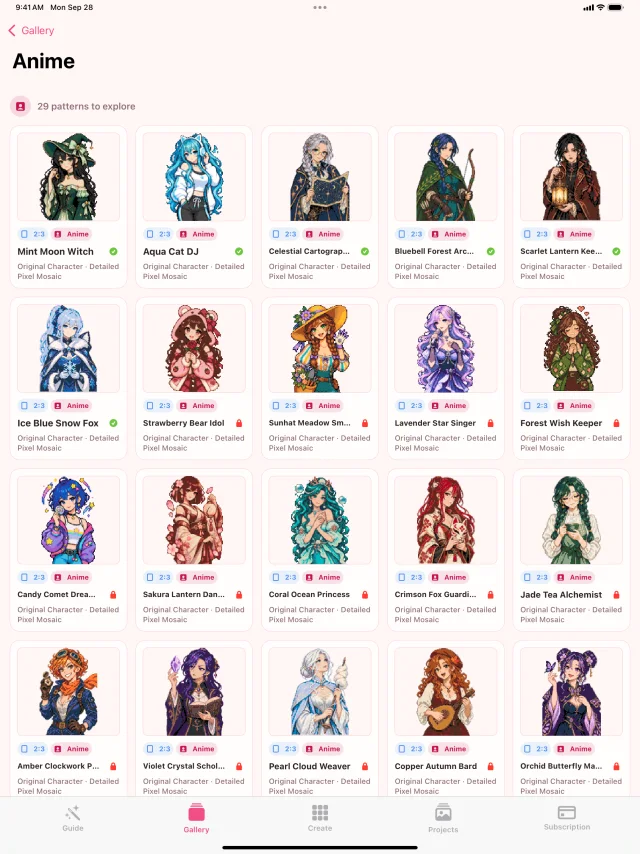 Open full size
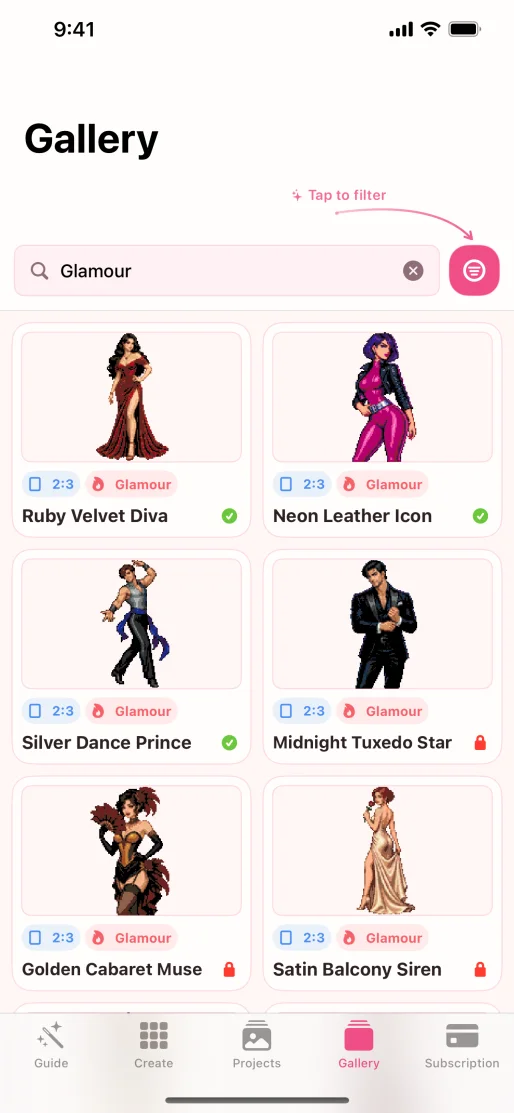 Open full size
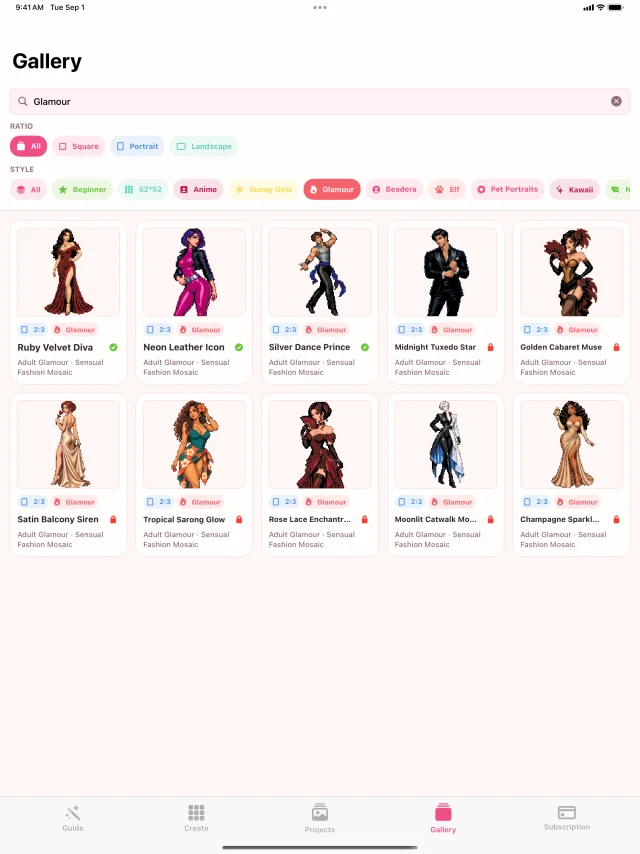 Open full size
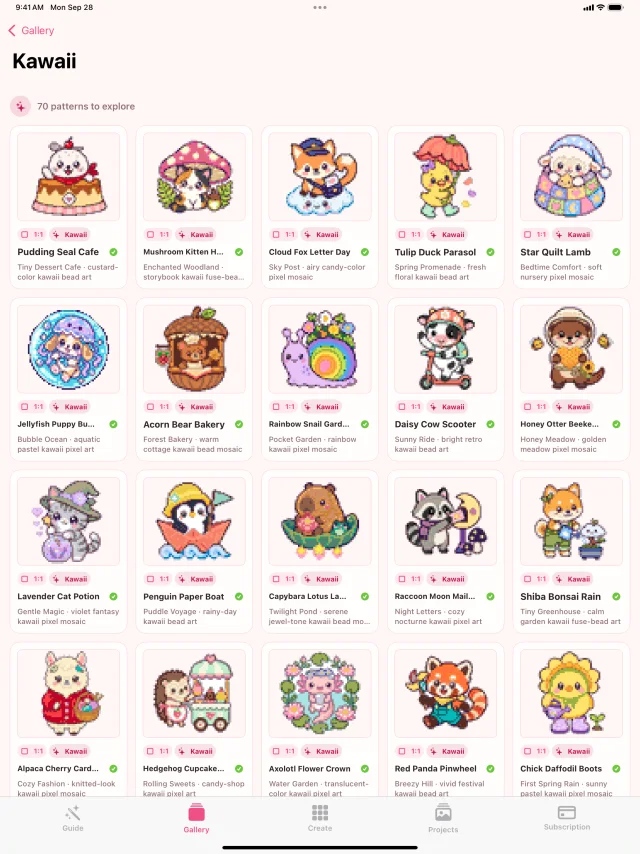 Open full size
 Open full size
Collection 07
Holidays & Symbols
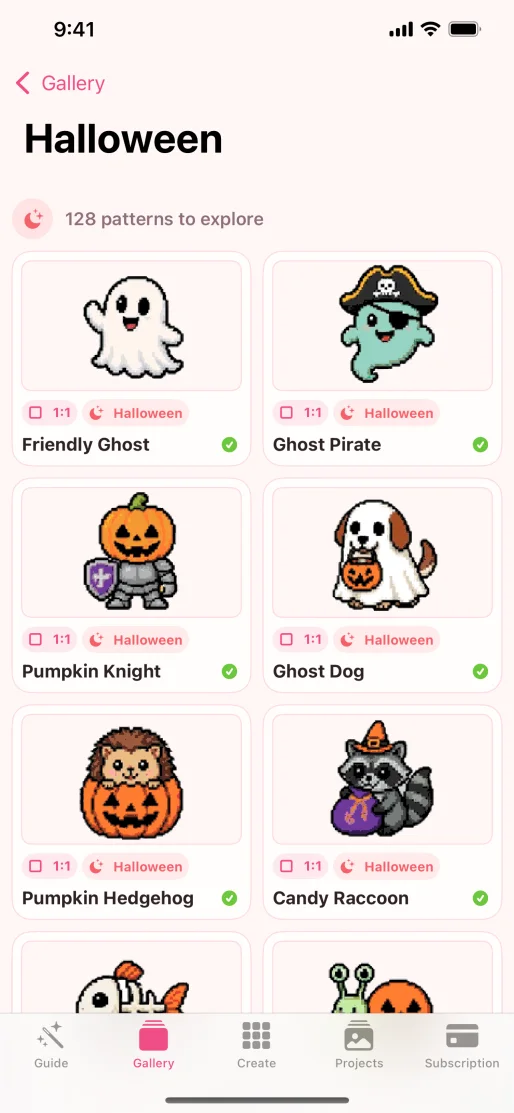
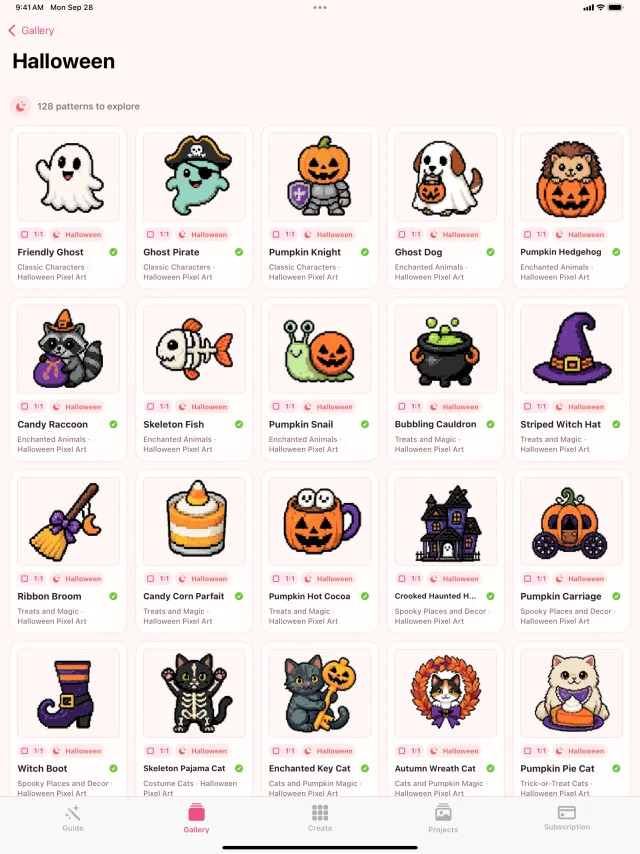
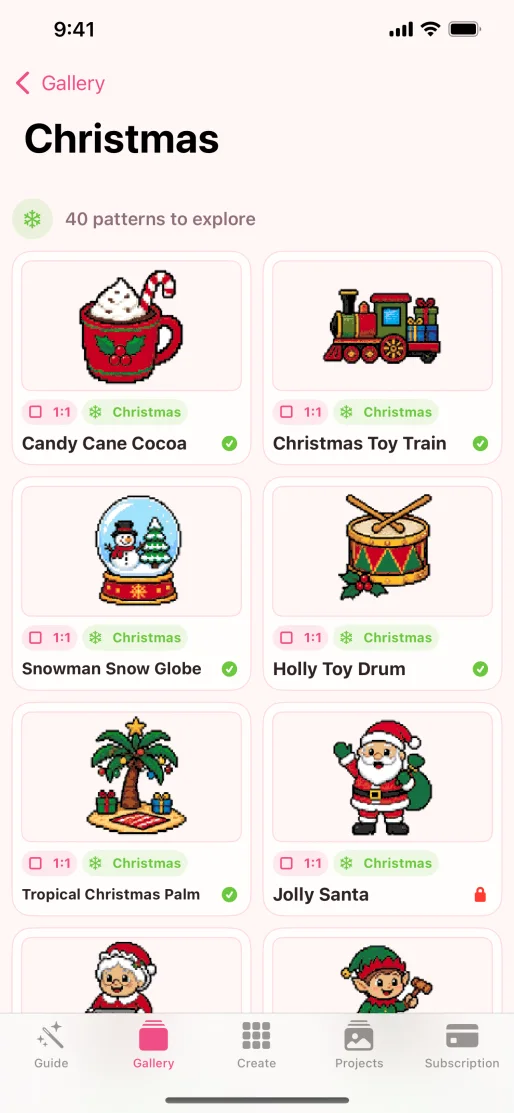
Seasonal characters and symbolic collections shown across both devices.
 Open full size
 Open full size
 Open full size
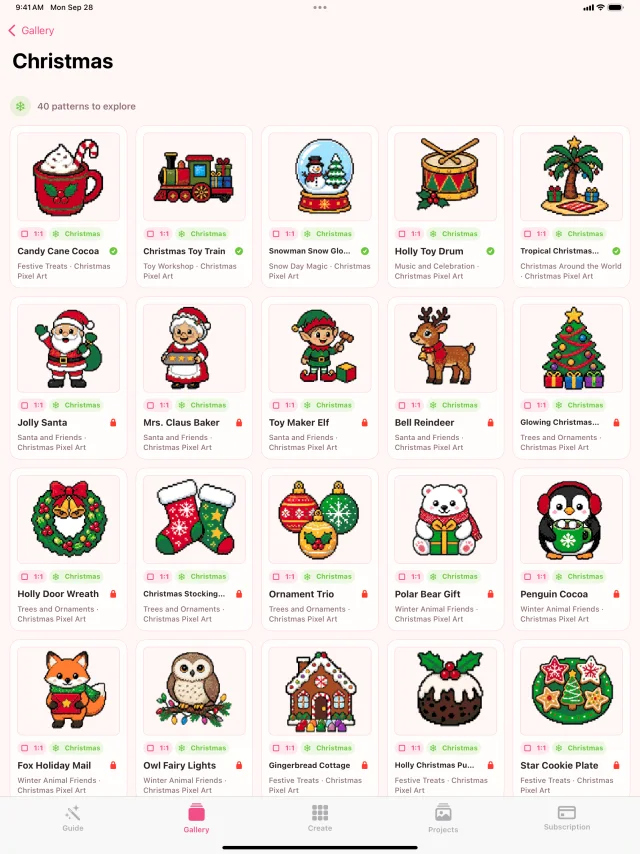 Open full size
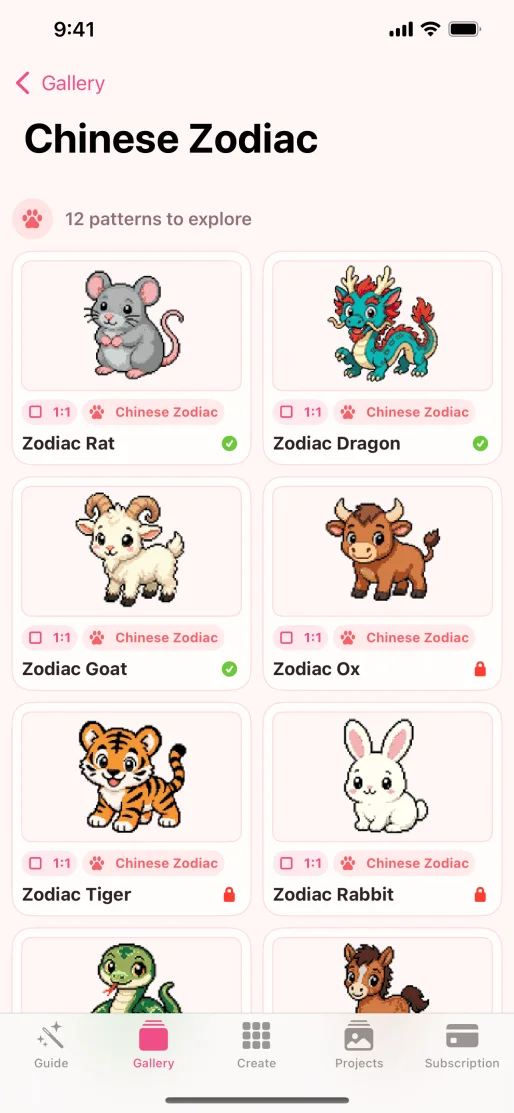 Open full size
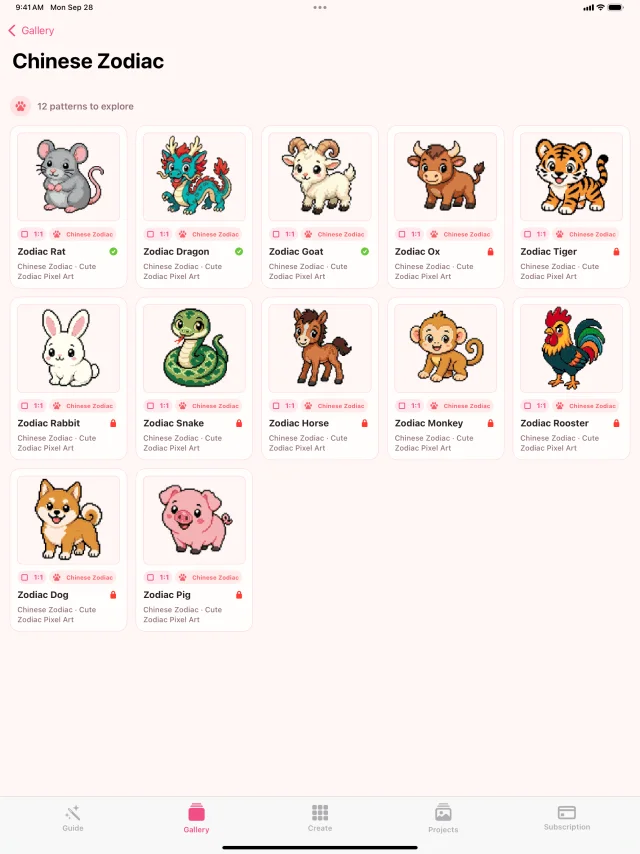 Open full size
Collection 08
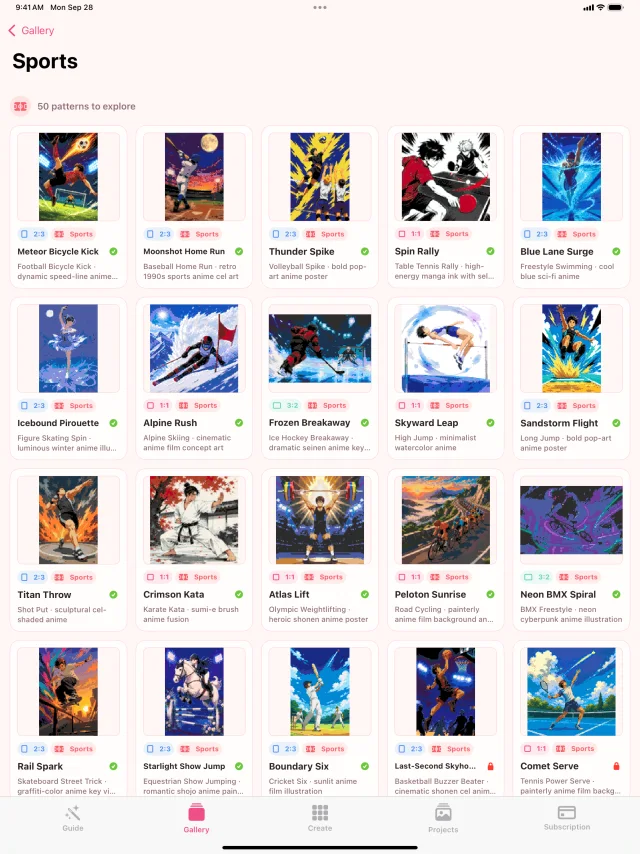
Zodiac & Together
Astrology, paired compositions, and active sports subjects round out the visual tour.
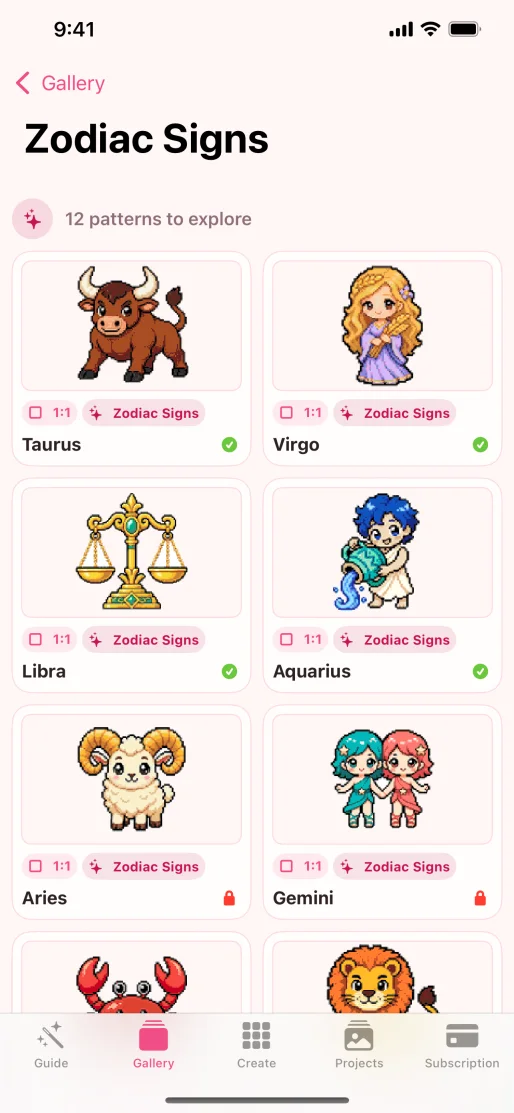 Open full size
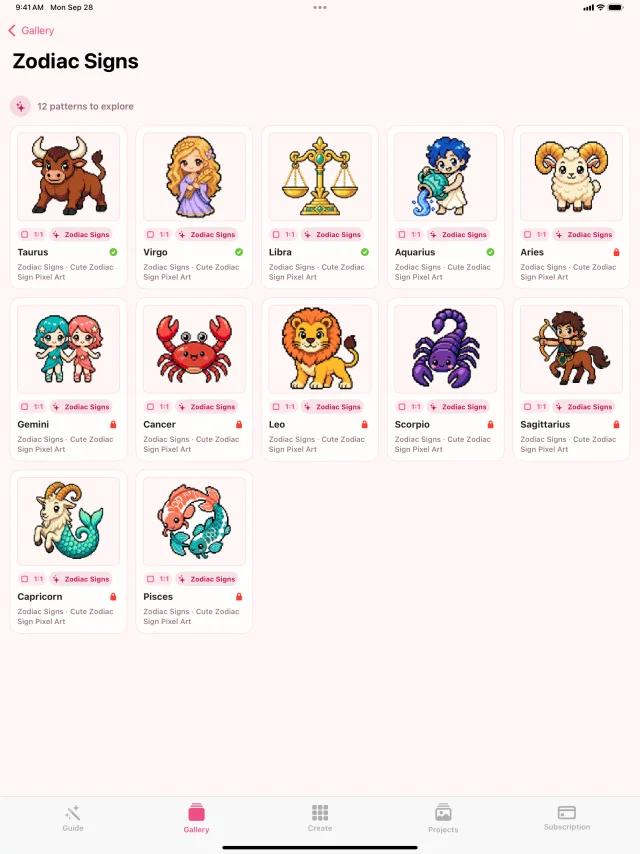 Open full size
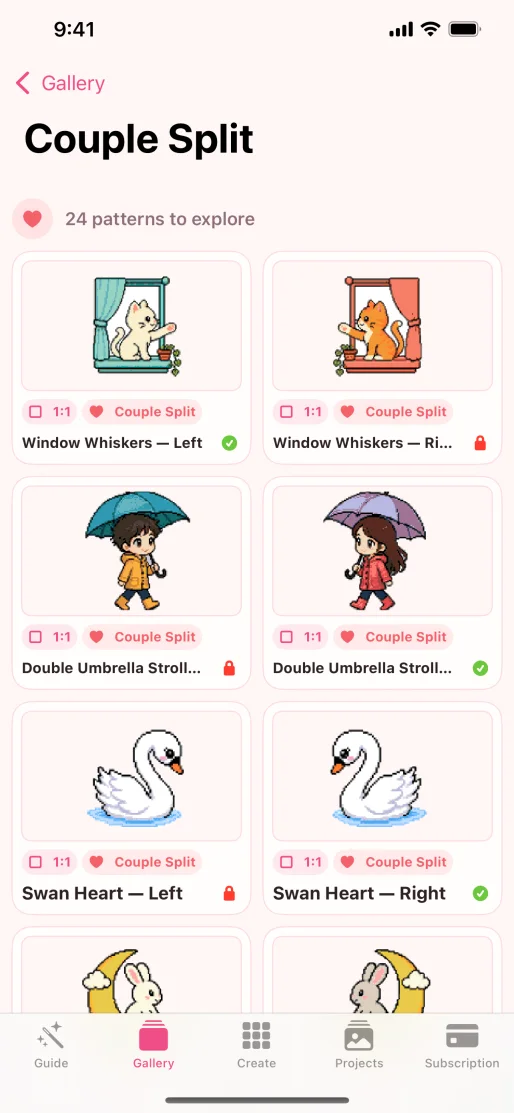 Open full size
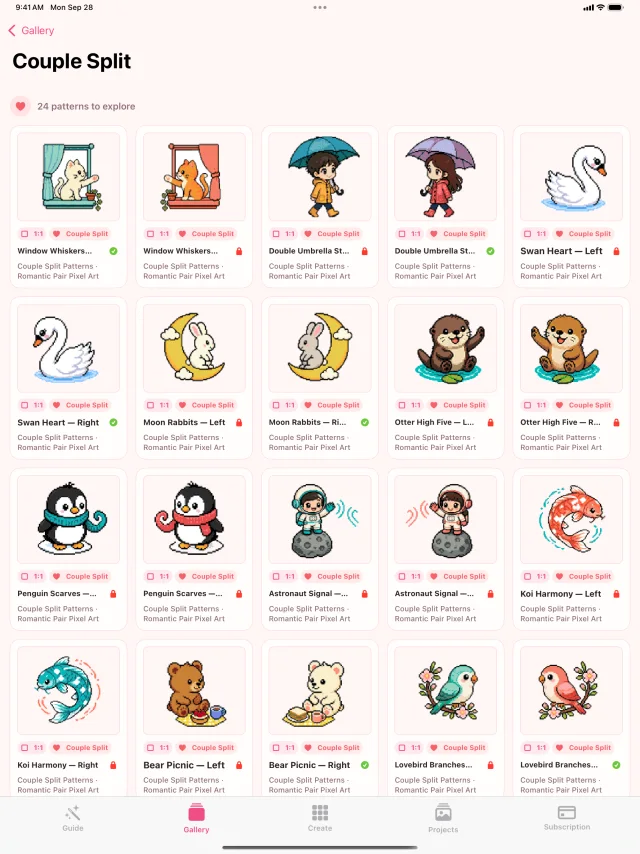 Open full size
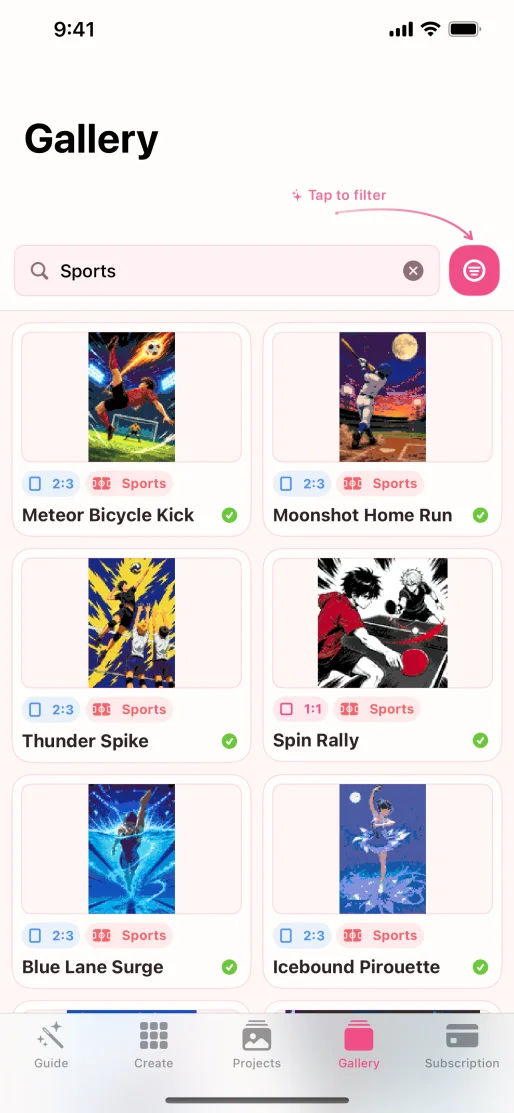 Open full size
 Open full size
Source note: Gallery descriptions and current product behavior were checked against Beadora 3.14 and the current App Store listing on November 4, 2026.
From browsing to building
Find a direction, then make it yours.
Open a Gallery pattern in Beadora, then continue into palette selection, resizing, color replacement, numbered grids, material quantities, Projects, 3D previews, and export.
View Beadora on the App Store