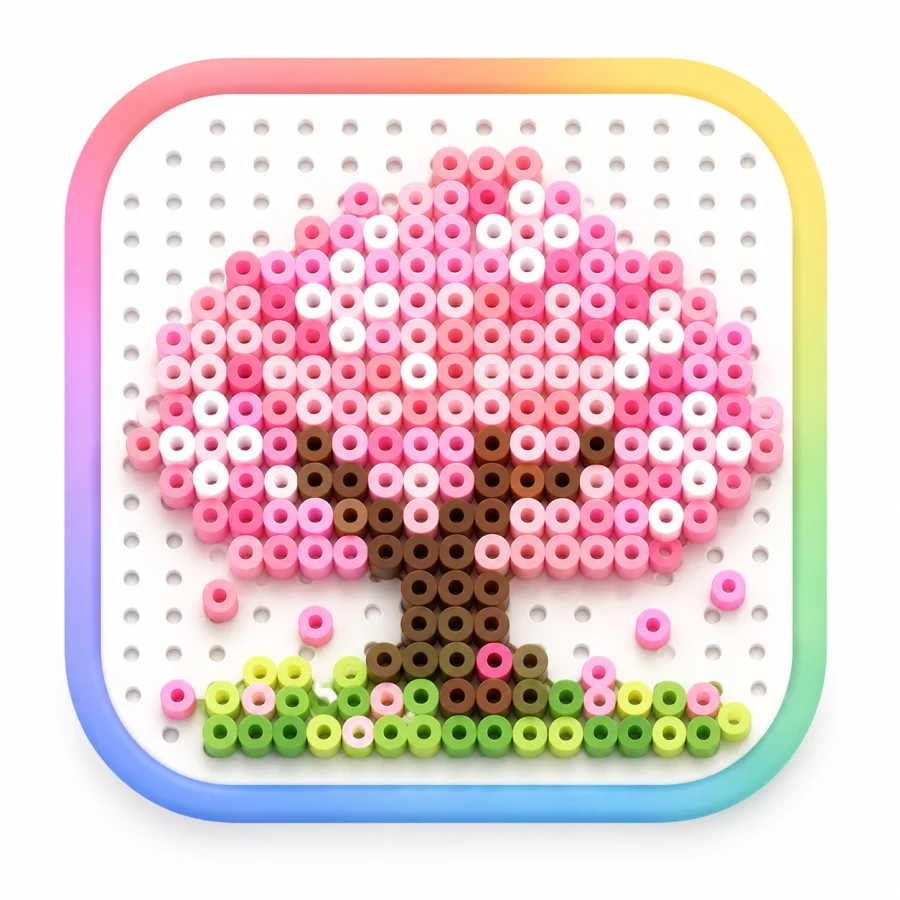
Silhouette
Check whether the subject remains recognizable without relying on the numbered grid or legend.
From flat grid to possible object
Beadora 3D previews place the current design into several craft contexts so you can rotate, zoom, and judge its visual balance before assembling the physical piece.
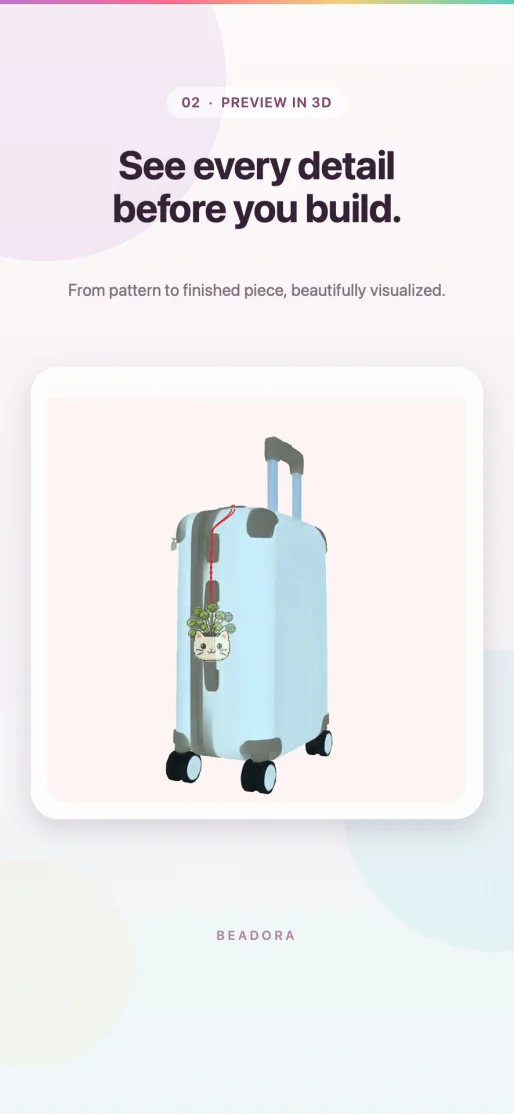
Beadora can present the pattern as a finished piece, keychain, desk decoration, or bag charm. The view can be rotated and zoomed to inspect the object from different angles.
The preview is a visualization of the pattern, not a manufacturing specification. Attachment hardware, support, thickness, balance, heat, adhesives, and physical durability still depend on the materials and construction method.
What to inspect
Check whether the subject remains recognizable without relying on the numbered grid or legend.
Look for isolated colors, overly heavy dark areas, or details that disappear at object scale.
Compare the same pattern as a freestanding piece, keychain, desk decoration, or bag charm.
For detailed sizing decisions, use the pattern-size guide. To compare the physical color libraries behind the design, use the palette guide.
Source note: Preview formats and interaction descriptions were checked against Beadora 3.14 and the App Store version history on November 4, 2026.
Preview before building
Review the numbered plan in 2D, then use a 3D context to judge the finished silhouette and presentation.
Get Beadora