Compact grid
Best for icons, simple animals, bold food shapes, limited colors, and fast physical builds.
Detail, dimensions, and materials
Larger grids preserve more detail but use more cells and materials. Smaller grids are faster to build, but they require simpler shapes and stronger visual separation.
Quick decision
If a face, small symbol, lettering, or thin outline must remain recognizable, increase the grid until that feature has enough cells. If the subject is a bold icon or silhouette, a compact grid can work well.
Best for icons, simple animals, bold food shapes, limited colors, and fast physical builds.
A practical balance for single subjects, pets, simple portraits, and decorative craft pieces.
Best for faces, scenery, multiple subjects, subtle shading, and artwork where small features matter.
What changes as the grid grows
| Factor | Smaller grid | Larger grid |
|---|---|---|
| Recognizable detail | Best with one bold subject and clean edges. | Can preserve more facial, texture, and background detail. |
| Material use | Lower potential cell count and faster assembly. | Higher potential count and a longer build. |
| Color transitions | Fewer cells force stronger simplification. | More room for gradients and subtle changes. |
| Manual editing | Every changed cell has a strong visual effect. | Fine corrections are possible but there are more cells to inspect. |
| Source quality | Busy photographs often become unclear. | A clearer source still matters; a bigger grid does not fix blur or poor framing. |
Beadora defines the pattern in cells. The finished physical width and height depend on the bead, pegboard, drill, or canvas system being used. To estimate the finished size, multiply the number of cells by the physical spacing of the chosen material system.
Because material dimensions vary, verify bead diameter, peg spacing, drill size, and canvas requirements with the relevant supplier before buying supplies or preparing a frame.
Do not simply crop away important content. Use Beadora's Reduce Pattern Size workflow to provide the original grid dimensions, choose a smaller target, and remap the result to a supported fuse-bead palette.
Scope: This guide explains relative grid tradeoffs and Beadora controls. Physical dimensions depend on the chosen material system and should be verified with its supplier.
Choose before converting
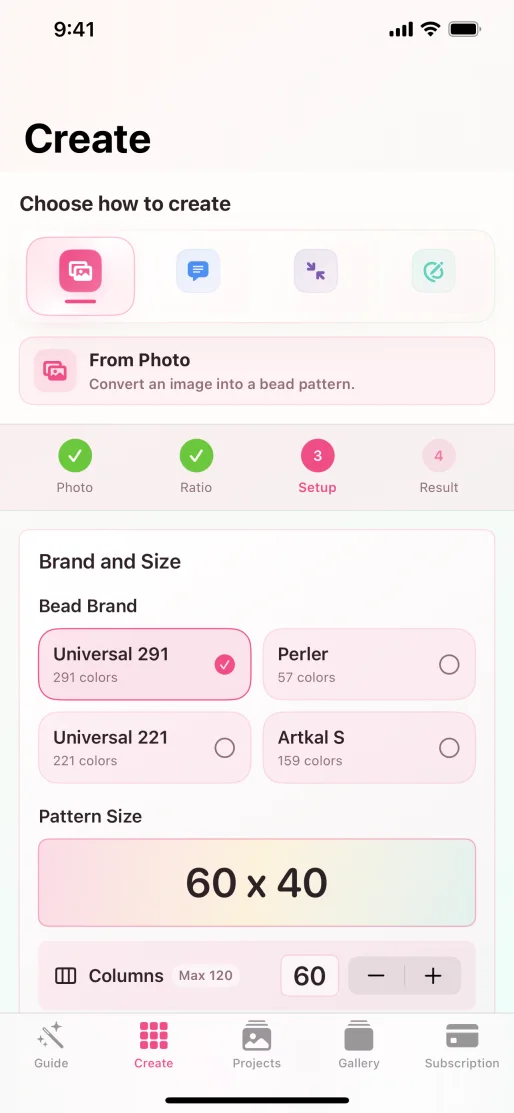
Set the crop, material palette, and dimensions together, then review the numbered result before buying supplies.
Follow the photo workflow