Cell-by-cell pattern drawing
Start with an empty grid. Control every cell.
Blank Board is Beadora's direct drawing workflow for makers who already know the shape they want or prefer to design without converting a photo or generating source artwork.
What can the Blank Board do?
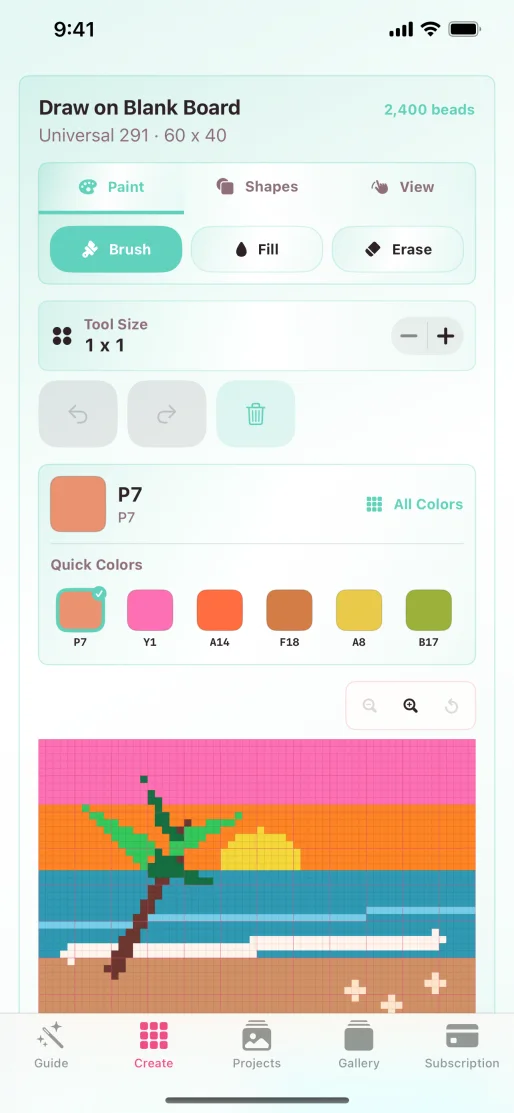
Choose a square, portrait, or landscape board and set its dimensions. In the drawing workspace, use Brush, Fill, Erase, Shapes, and View controls, adjust tool size, choose quick colors or the full palette, and undo or redo edits.
The draft can move into the same preview, project, color, export, and sharing workflows used by other Beadora patterns.
The workflow
Choose the board before drawing the cells.
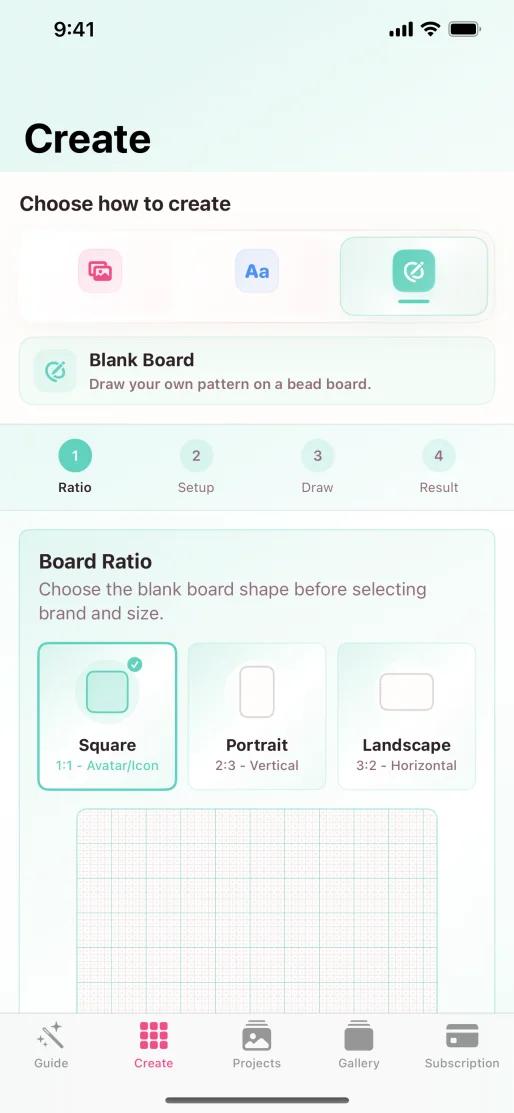
- Choose Blank Board. Open Create and select the manual drawing path.
- Set shape and dimensions. Pick square, portrait, or landscape and a cell count that fits the intended build.
- Place broad areas first. Use Fill or a larger brush for backgrounds and solid shapes.
- Refine outlines and details. Reduce the tool size, correct edges with Erase, and use undo or redo when needed.
- Preview and save. Inspect the finished pattern, save it to Projects, and export or share the plan.
When is Blank Board the best starting point?
- You are designing a small icon, symbol, or geometric motif.
- You need an exact outline rather than an interpreted photograph.
- You want to copy a sketch manually while deciding each color.
- You are experimenting with a compact board and limited palette.
- You want full control without using AI generation.
For a detailed photograph, use photo conversion. For an original visual concept without a prepared image, use the Text Prompt workflow.
Source note: Tool names and workflow descriptions were checked against Beadora 3.14 and current app screenshots on November 4, 2026.
Draw it directly
Use the grid as the canvas.
Choose the board, build the design cell by cell, and keep the result with your other Beadora projects.
Open Beadora on the App Store