Convert a photo
Best when you already have the pet, portrait, object, or artwork you want to translate. Standard conversion runs on the device.
Photo conversion guidePhoto or prompt to DMC grid
Beadora converts a photo, written idea, blank board, or Gallery design into a numbered diamond-painting pattern using its complete DMC 447 palette, with color quantities for planning the project.
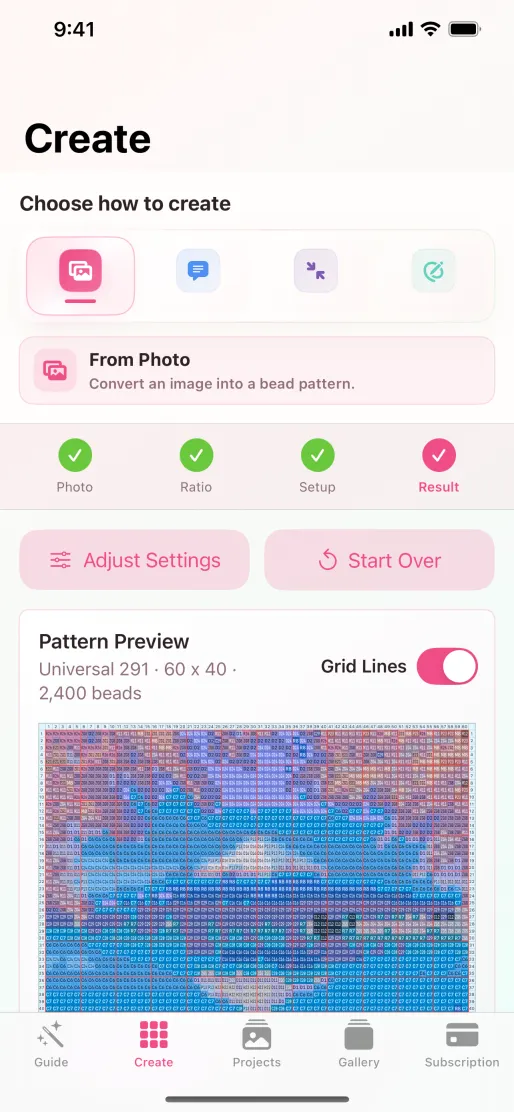
Yes. Choose Photo in Beadora, select diamond painting, set the crop and grid size, and generate a numbered chart mapped to the app's full DMC 447 palette. The result includes DMC color codes and the quantity of each color used.
DMC-based color planning
Beadora maps the source image to colors in its supported DMC 447 palette and summarizes the result for assembly planning.
Choosing dimensions
Diamond-painting charts reduce a continuous image to discrete cells and available colors. A larger grid can preserve facial features, fine edges, and color transitions, while a compact grid works best for icons, silhouettes, and simple compositions.
Four ways to begin
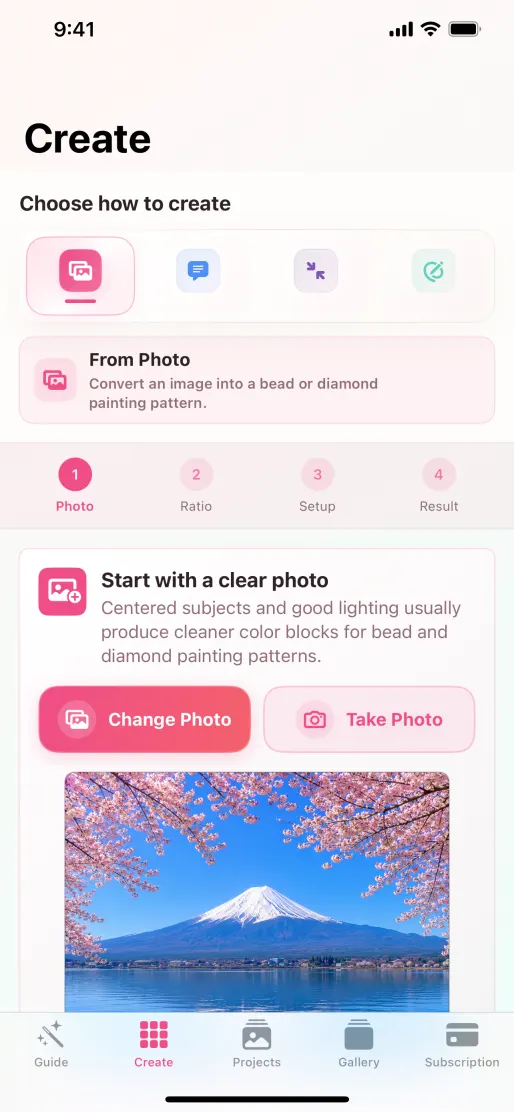
Best when you already have the pet, portrait, object, or artwork you want to translate. Standard conversion runs on the device.
Photo conversion guideGenerate original source artwork from a text prompt, then map it to DMC colors and the grid size you choose.
AI prompt guidePlace colors cell by cell when you want direct control over the composition from the beginning.
Blank Board guideStart with ready-made artwork, switch to diamond painting, choose dimensions, and personalize the pattern.
Browse the Gallery tourKeep the result in Beadora so you can return to its grid, colors, quantities, and previews.
Create a recognizable pattern image that keeps the numbered grid and supporting color information together.
Diamond painting FAQ
Beadora's diamond-painting mode uses the complete DMC 447 color palette supported by the app.
Yes. The pattern includes a color list and the number of cells assigned to each DMC color.
Yes. Generate source artwork with the Text Prompt workflow, then select diamond painting and the desired grid settings.
Beadora creates the color grid and quantity plan. Confirm drill shape, physical sizing, adhesive canvas, and supplier-specific material requirements separately before purchasing supplies.
Source note: DMC palette support and product behavior were checked against Beadora 3.14 and the current App Store listing on November 4, 2026. Confirm supplier-specific drill and canvas requirements separately.
DMC pattern maker
Create a numbered diamond-painting grid with DMC color codes and quantities on iPhone or iPad.
Get Beadora on the App Store